macOS Editor's Pick Games

Freefall ’95 1.0.1

56 views
Freefall '95

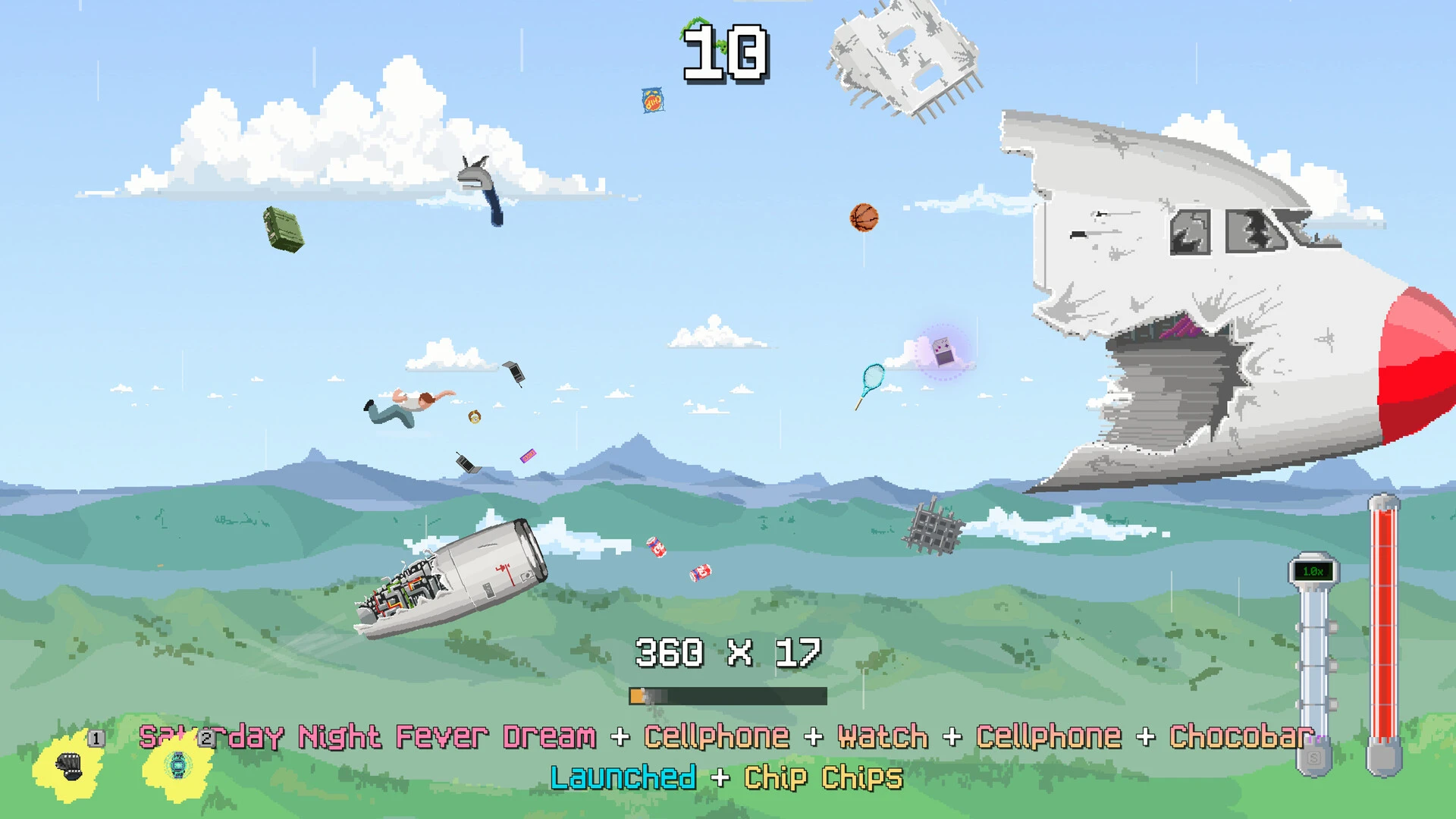
In the fast-paced, arcade-style skydiving simulator Freefall ’95, you take on the role of the only person who survives a plane accident and falls to the ground. You can converse with other travellers, purchase practical goods with your hard-earned money, and finish chores to discover what nightmare might have led to this flight.

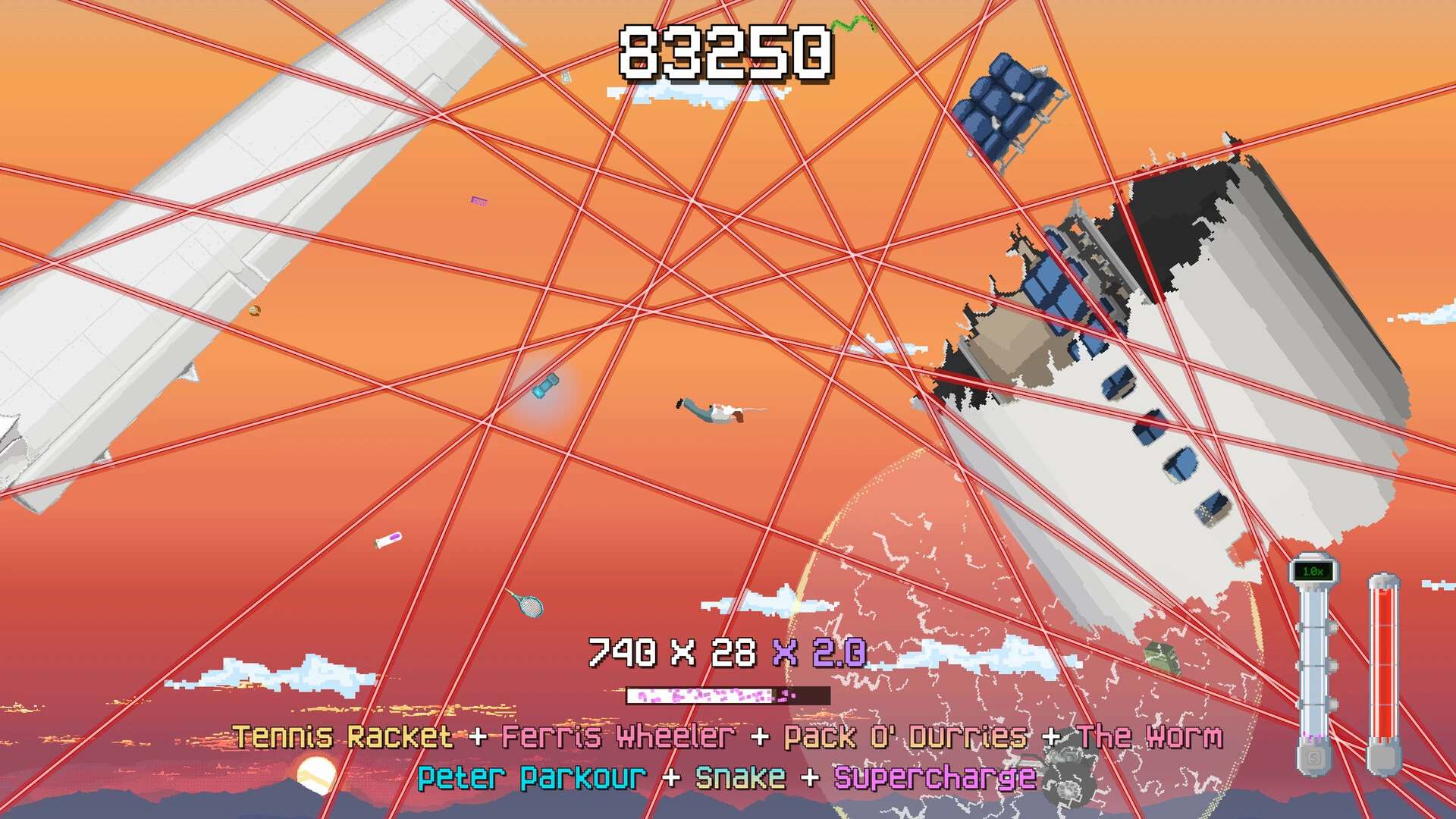
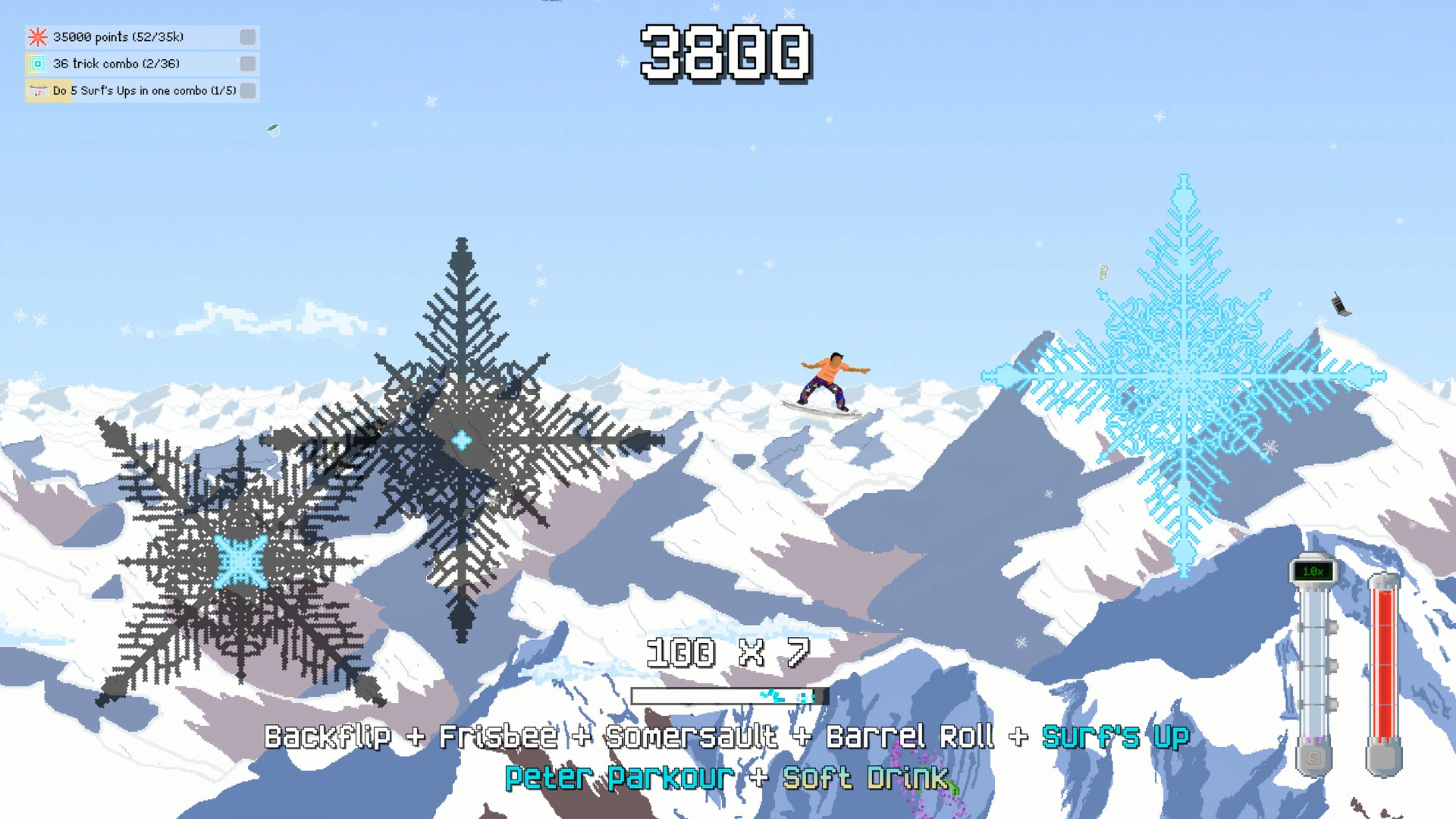
The Loop of Gameplay: Tony Hawk’s Pro Skater and other vintage extreme sports games are major sources of inspiration for the falling mechanics. To win enormous points, players can execute daring aerial manoeuvres, barrel rolls, and tricks. To avoid damage and keep your trick multiplier, you must have quick reflexes because mid-air debris, such as engines and blazing automobile parts, can act as both obstacles and surfaces to fire off of.

Characteristics:

  • five large-scale levels progress at three different levels of difficulty, for a total of fifteen stages that become extremely challenging.
  • Short runs to get points in arcade challenge levels.
  • Roguelike Challenges: Choose from three awards for completing three, five, or seven consecutive levels on a single health bar.
  • A complex plot that distorts time.
  • A deep combo system that gives you enormous points.
  • Arcade leaderboards that show the global records and scores of pals.
  • Use attributes to personalise your loadout and develop a playstyle that works for you.
Frequently asked questions

How to install and activate?

Run the downloaded image and drag the application to the Applications folder shortcut.
Once copying is complete, the application can be launched via Launchpad.

Is the program corrupted? Is the file broken? Or is there other errors?

There are so many errors, we can't list them all here. Therefore, we've described all the solutions (with pictures) in the article: Errors when installing applications on a Mac

How do I update? Officially? What happens with activation?

Official updates may result in loss of activation unless otherwise stated in the installation instructions.
To update the software from this website, you must download the new version of the software from here (if available) and install it over the version currently installed on your computer. This will preserve your activation and settings for the software.

How do I download it? The link isn't working? What is .torrent?

To download large files, it is recommended to use any download manager, for example, FDM (Free Download Manager)
For downloading from a file sharing service like Filen.io, it's not recommended to use Safari. Use Google Chrome or the aforementioned FDM browser, for example.
To download files via torrent (.torrent file), you need a torrent client, such as Transmission or the aforementioned FDM.
Please remember that providers may block access to some websites (1fichier.com, etc.). To bypass these blocks, it is recommended to use a VPN.

An update has been released. When will you update the version?

The site administration doesn't hack anything. That's the job of release teams and some enthusiasts. They're the ones responsible for ensuring updates are available. But you can hack software yourself by learning reverse engineering.

Add... Where is the order desk?

Definitely not in the comments. The site administration doesn't hack anything, and there's no order desk. However, you can order the software you need (not for free) in a special thread on forum.ru-board.com.

How to change the language?

Open System Preferences -> General > Language & Region -> Applications – "+".
Select an app and language. This method works for most apps.
The language in Adobe products is usually selected during the installation of the product itself.
The language in games is usually changed in the game settings itself.
There are exceptions. Don't hesitate to search for information online.

How to delete?

There are many options. The easiest is to use specialised app removal utilities, such as App Cleaner & Uninstaller.
To remove Adobe products, use the Creative Cloud Cleaner Tool.

Need help?

The site offers a paid service: remote assistance (via AnyDesk, Zoom, or Skype) with the installation of any applications (not just those from this site) on any Mac or PC.

specs.txt
version1.0.1
developerS-Bend Games
activationNot required
size326MB
architectureARM , x86 (64-bit)
languagesEnglish , German , Spanish , Italian , Simplified Chinese , Polish , Portuguese , French , Japanese
voice_langsMusical accompaniment

Installation notes

Run the downloaded image and drag the application to the Applications folder shortcut.
Once copying is complete, the application can be launched via Launchpad.

Download — Direct download link

326MB · v1.0.1

More mirrors (2)

Always scan downloaded files before opening them. This listing is provided for informational purposes; verify compatibility with your system before installing.

Leave a comment

Your email address will not be published. Required fields are marked *