macOS Editor's Pick Games

Hearts of Iron IV 1.19.0.1

20 views
Hearts of Iron IV

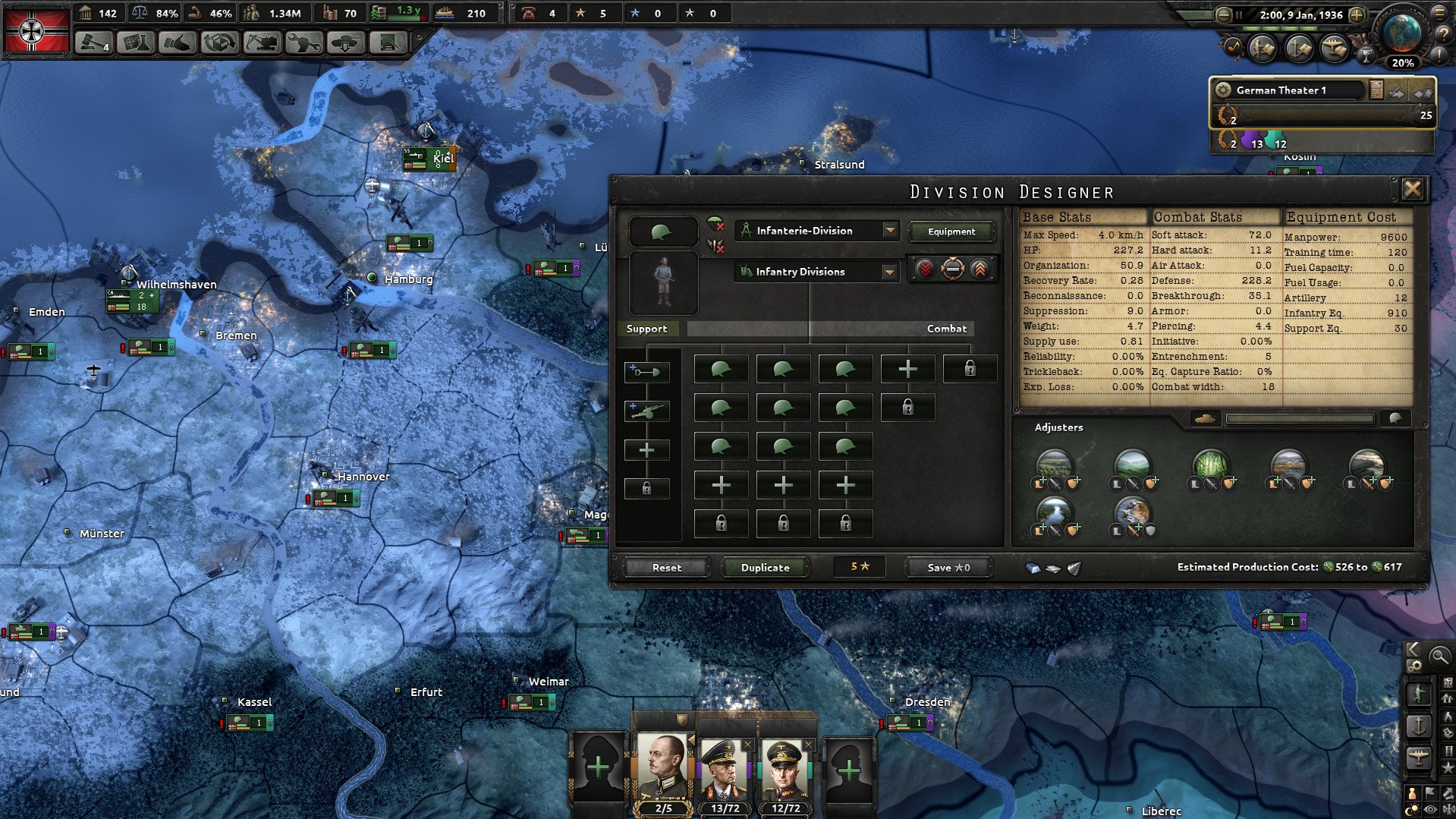
You hold the key to victory! In the strategy game Hearts of Iron IV, you can take charge of any country during World War II, the biggest struggle in history. Your ability to govern your country is your greatest weapon.

The Ultimate War Sandbox

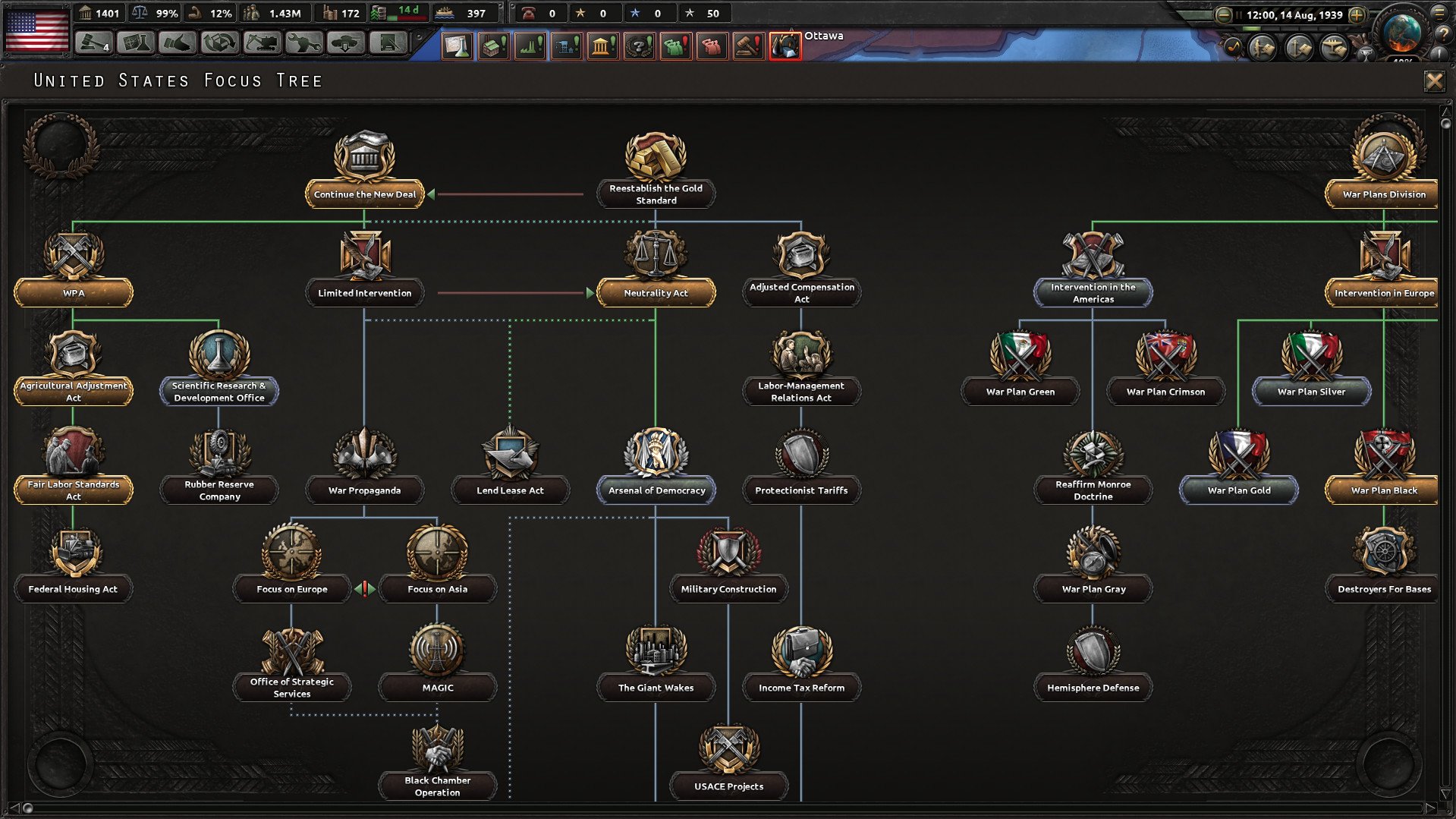
HOI4 functions as a huge sandbox, in contrast to conventional historical simulators. You have the option of rewriting history entirely or taking a historically true path. Have you ever wished to lead a democratic Germany, a fascist Sweden, or a communist United States? No two playthroughs are precisely the same since the game’s sophisticated focus-tree architecture allows for countless alternate-history situations.

In-depth Military and Economic Logistics

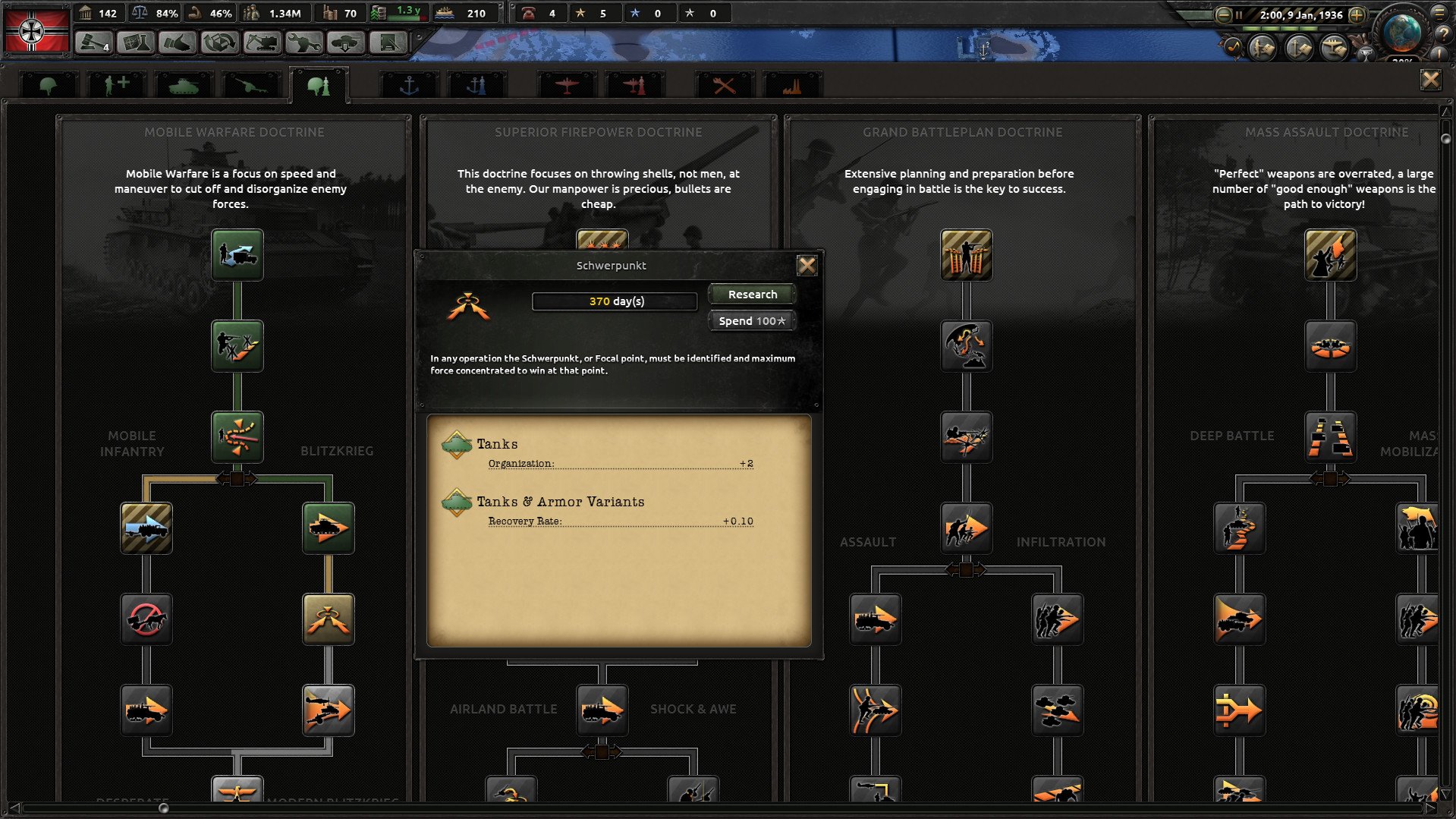
Moving units on a map is only one aspect of the game’s success. You must create and oversee a war economy. In addition to trading for vital resources like rubber and oil, players must balance civilian and military factories and investigate cutting-edge machinery, from early biplanes to revolutionary nuclear reactors. The game is renowned for being a logistics simulator, where maintaining your troops’ supplies and equipment is equally as crucial as the strategies you employ on the front lines.

You will lead your nation to glory by waging war, negotiating, or initiating an invasion from the front lines to the command centre. During World War II, you could tip the scales in your favour.
Frequently asked questions

How to install and activate?

Run the downloaded image and drag the game to the Applications folder.
Once the copying is complete, the game can be launched via Launchpad.
To use the Russian language, go to the program folder, right-click on hoi4, select show package contents, go to: Contents --> Game
Run the file: dowser
The Launcher will open, change the language in the game settings, and launch the game through dowser.
The language settings will be saved on next startup.

Is the program corrupted? Is the file broken? Or is there other errors?

There are so many errors, we can't list them all here. Therefore, we've described all the solutions (with pictures) in the article: Errors when installing applications on a Mac

How do I update? Officially? What happens with activation?

Official updates may result in loss of activation unless otherwise stated in the installation instructions.
To update the software from this website, you must download the new version of the software from here (if available) and install it over the version currently installed on your computer. This will preserve your activation and settings for the software.

How do I download it? The link isn't working? What is .torrent?

To download large files, it is recommended to use any download manager, for example, FDM (Free Download Manager)
For downloading from a file sharing service like Filen.io, it's not recommended to use Safari. Use Google Chrome or the aforementioned FDM browser, for example.
To download files via torrent (.torrent file), you need a torrent client, such as Transmission or the aforementioned FDM.
Please remember that providers may block access to some websites (1fichier.com, etc.). To bypass these blocks, it is recommended to use a VPN.

An update has been released. When will you update the version?

The site administration doesn't hack anything. That's the job of release teams and some enthusiasts. They're the ones responsible for ensuring updates are available. But you can hack software yourself by learning reverse engineering.

Add... Where is the order desk?

Definitely not in the comments. The site administration doesn't hack anything, and there's no order desk. However, you can order the software you need (not for free) in a special thread on forum.ru-board.com.

How to change the language?

Open System Preferences -> General > Language & Region -> Applications – "+".
Select an app and language. This method works for most apps.
The language in Adobe products is usually selected during the installation of the product itself.
The language in games is usually changed in the game settings itself.
There are exceptions. Don't hesitate to search for information online.

How to delete?

There are many options. The easiest is to use specialised app removal tools, such as App Cleaner & Uninstaller.
To remove Adobe products, use the Creative Cloud Cleaner Tool.

Need help?

The site offers a paid service: remote assistance (via AnyDesk, Zoom, or Skype) with the installation of any applications (not just those from this site) on any Mac or PC.

specs.txt
version1.19.0.1
developerParadox Development Studio
activationNot required
testedmacOS Tahoe , Mac mini 2024 M4
size6GB
architecturex86 (64-bit)
languagesRussian , English , German , Spanish , Polish , Portuguese , French , Japanese
voice_langsMusical accompaniment

Installation notes

Run the downloaded image and drag the game to the Applications folder.
Once the copying is complete, the game can be launched via Launchpad.
To use the Russian language, go to the program folder, right-click on hoi4, select show package contents, go to: Contents --> Game
Run the file: dowser
The Launcher will open, change the language in the game settings, and launch the game through dowser.
The language settings will be saved on next startup.

Download — Download from Mail.ru

6GB · v1.19.0.1

More mirrors (1)

Always scan downloaded files before opening them. This listing is provided for informational purposes; verify compatibility with your system before installing.

Leave a comment

Your email address will not be published. Required fields are marked *