macOS Editor's Pick Games

My Winter Car 260415.01 [Wineskin]

12 views
My Winter Car

This is a cult follow-up to the highly regarded video game My Summer Car.

In the first-person survival game My Winter Car, you take control of, construct, and maintain an antique project automobile. To create the car, you buy and sell a variety of parts while attempting to stay afloat financially. It can eventually be used as a race car for circuit racing or rallies, or as a daily driver. Unless, of course, you’re up for a complete restoration and registration as a rare car, you might want to make it into a nice tuning project.

Features:

  • A first-person survival game featuring a system of perpetual death.
  • The automobile and engine are fully assembled from about 200 different pieces.
  • A thorough simulation of engine functioning, driving, and vehicle condition.
  • A truck and a tractor, among other vehicles from the 1960s to the 1990s.
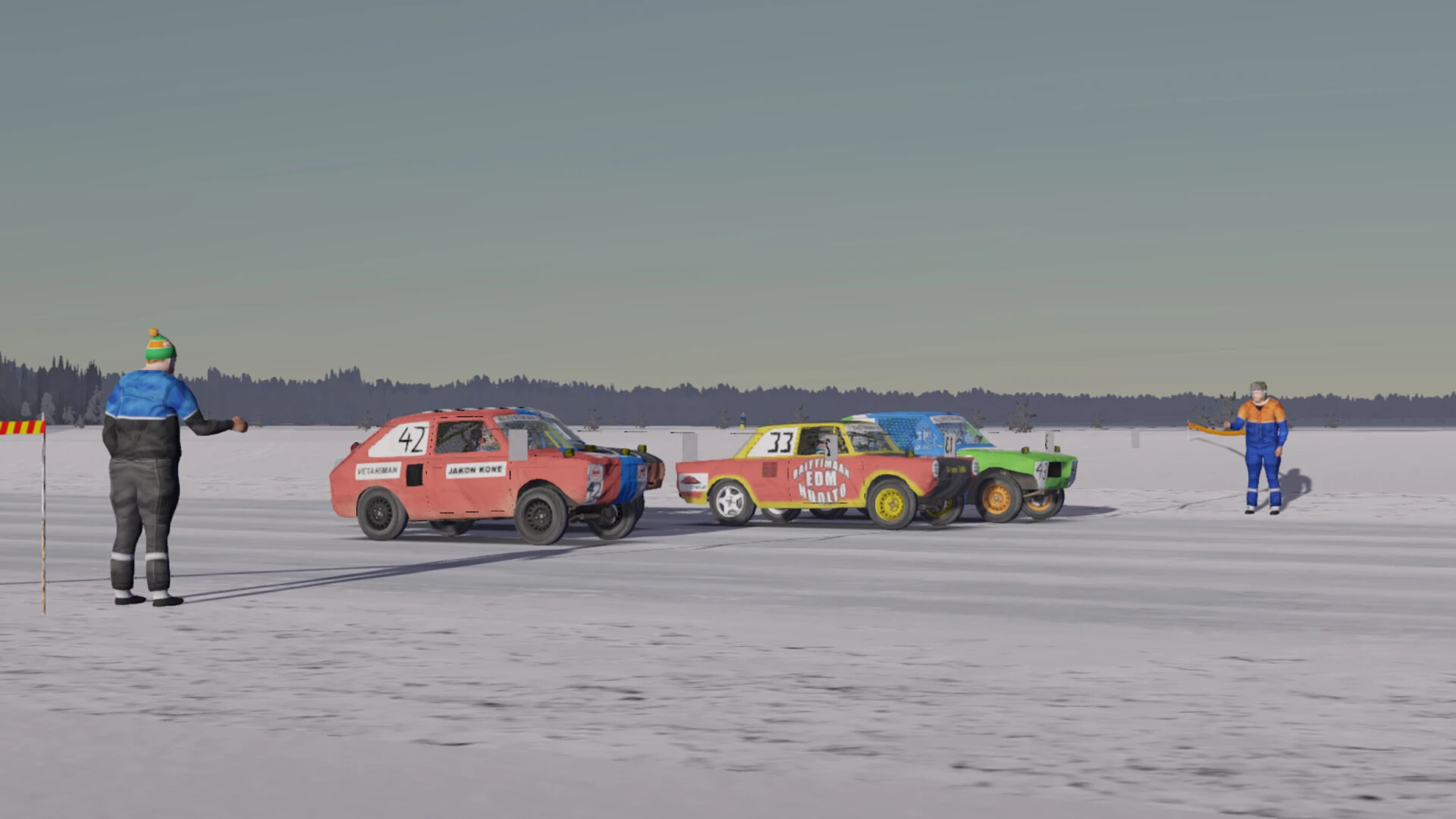
  • Tens of km of frozen trails, snow-covered forest roads, and even ice roads on the lake’s surface.
  • The body temperature of characters is simulated.
  • Numerous ways to supplement your income.
  • Taking part in or observing circuit races and rallies.
  • The harsh winters in Finland are characterised by frost and darkness.
  • A realistic law and order system: if you start acting foolishly, the cops will find you.
  • Gearbox controls and steering wheels have limited support.
  • And a lot more!

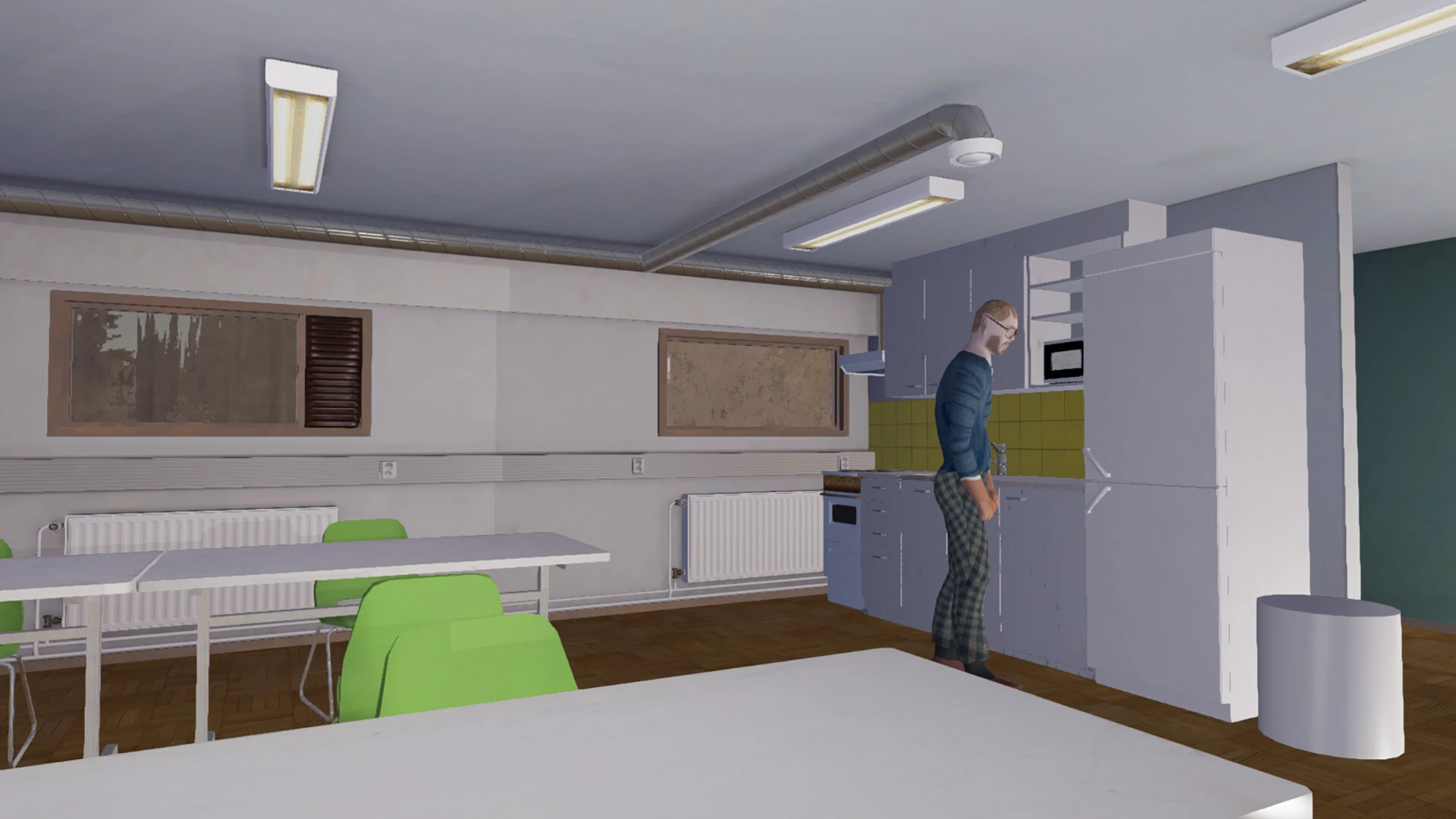
However, despite all these thrilling opportunities, life is perilous, gloomy, and draining due to the severe cold and darkness of the Finnish winter. It’s difficult to even keep track of the time of day. The player just gets deeper into the hole they started in the first game as the world around them advances.

WARNING: Those who have successfully completed the My Summer Car challenge are the target audience for this game. For players who have never played the first game, it is highly discouraged.
Frequently asked questions

How to install and activate?

Run the downloaded image and drag the application to the Applications folder shortcut.
Once copying is complete, the application can be launched via Launchpad.
If an error occurs when launching the game, run the "Fix" file in the image.
There is a visual bug when creating a player profile; just click on the input part and enter the name.
Problems downloading...
Where can I find my saves?
How to run MWCEditor?

Is the program corrupted? Is the file broken? Or is there other errors?

There are so many errors, we can't list them all here. Therefore, we've described all the solutions (with pictures) in the article: Errors when installing applications on a Mac

How do I update? Officially? What happens with activation?

Official updates may result in loss of activation unless otherwise stated in the installation instructions.
To update the software from this website, you must download the new version of the software from here (if available) and install it over the version currently installed on your computer. This will preserve your activation and settings for the software.

How do I download it? The link isn't working? What is .torrent?

To download large files, it is recommended to use any download manager, for example, FDM (Free Download Manager)
For downloading from a file sharing service like Filen.io, it's not recommended to use Safari. Use Google Chrome or the aforementioned FDM browser, for example.
To download files via torrent (.torrent file), you need a torrent client, such as Transmission or the aforementioned FDM.
Please remember that providers may block access to some websites (1fichier.com, etc.). To bypass these blocks, it is recommended to use a VPN.

An update has been released. When will you update the version?

The site administration doesn't hack anything. That's the job of release teams and some enthusiasts. They're the ones responsible for ensuring updates are available. But you can hack software yourself by learning reverse engineering.

Add... Where is the order desk?

Definitely not in the comments. The site administration doesn't hack anything, and there's no order desk. However, you can order the software you need (not for free) in a special thread on forum.ru-board.com.

How to change the language?

Open System Preferences -> General > Language & Region -> Applications – "+".
Select an app and language. This method works for most apps.
The language in Adobe products is usually selected during the installation of the product itself.
The language in games is usually changed in the game settings itself.
There are exceptions. Don't hesitate to search for information online.

How to delete?

There are many options. The easiest is to use specialised app removal tools, such as App Cleaner & Uninstaller.
To remove Adobe products, use the Creative Cloud Cleaner Tool.

Need help?

The site offers a paid service: remote assistance (via AnyDesk, Zoom, or Skype) with the installation of any applications (not just those from this site) on any Mac or PC. Learn more...

specs.txt
version260415.01 [Wineskin]
developerAmistech Games
activationNot required
testedmacOS Tahoe , Mac mini 2024 M4
size937MB
architectureARM
languagesEnglish
voice_langsFinnish

Installation notes

Run the downloaded image and drag the application to the Applications folder shortcut.
Once copying is complete, the application can be launched via Launchpad.
If an error occurs when launching the game, run the "Fix" file in the image.
There is a visual bug when creating a player profile; just click on the input part and enter the name.
Problems downloading...
Where can I find my saves?
How to run MWCEditor?

Download — Direct download link

937MB · v260415.01 [Wineskin]

More mirrors (2)

Always scan downloaded files before opening them. This listing is provided for informational purposes; verify compatibility with your system before installing.

Leave a comment

Your email address will not be published. Required fields are marked *