macOS Games

Planetary Annihilation: TITANS 124644

19 views
Planetary Annihilation: TITANS

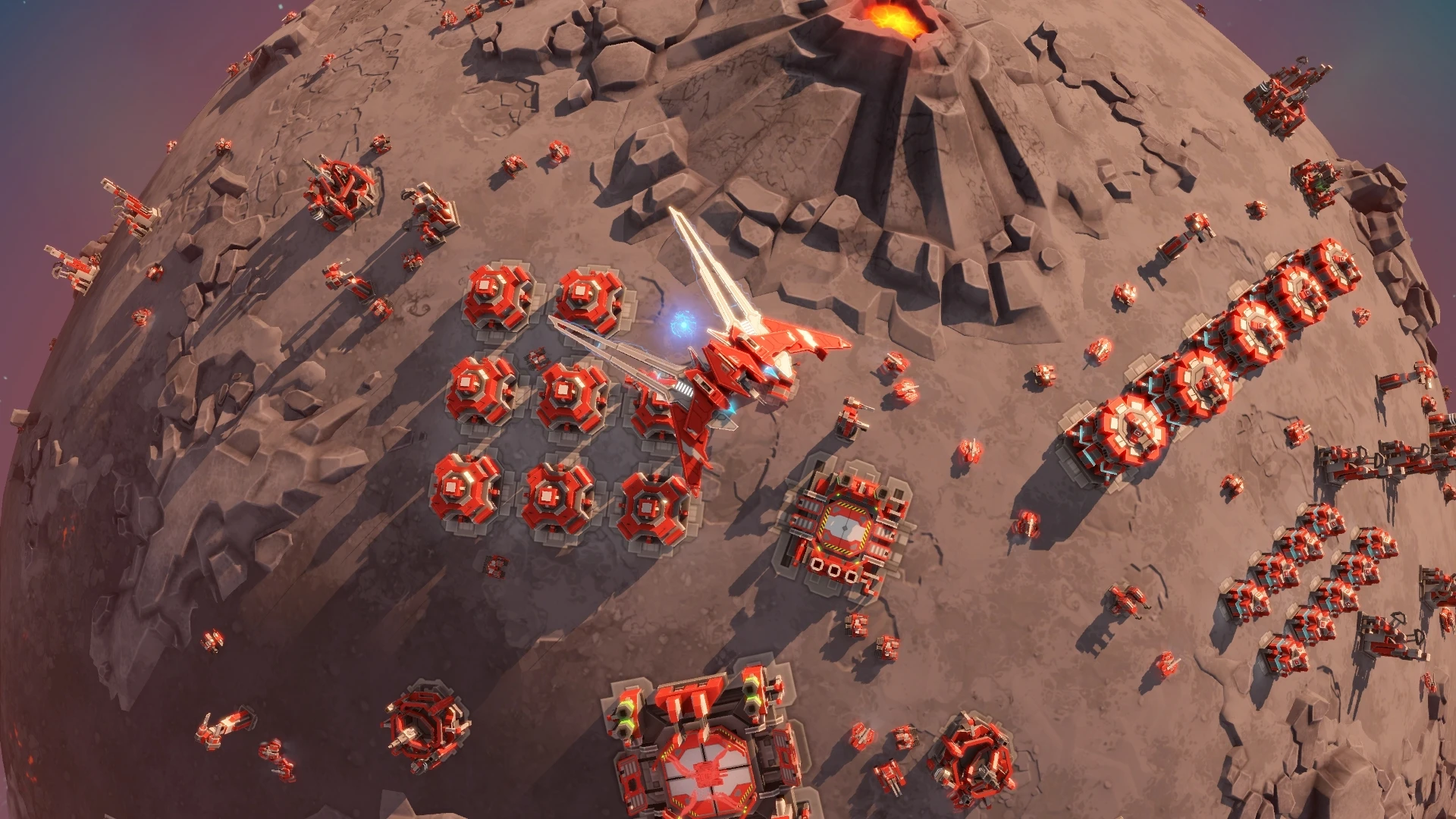
The massive stand-alone real-time strategy (RTS) game Planetary Annihilation: TITANS was created by Planetary Annihilation Inc. and serves as a spiritual successor to beloved games like Supreme Commander and Total Annihilation. It allows you to control thousands of units on several moons, asteroids, and planets. Lead enormous armies and fight wars throughout solar systems. Use destructive TITANS to defeat enemy armies and advanced superweapons to wipe out entire planets!

  • The already outstanding strategy game Planetary Annihilation has a huge expansion called TITANS. It has some new features in addition to the standard game:
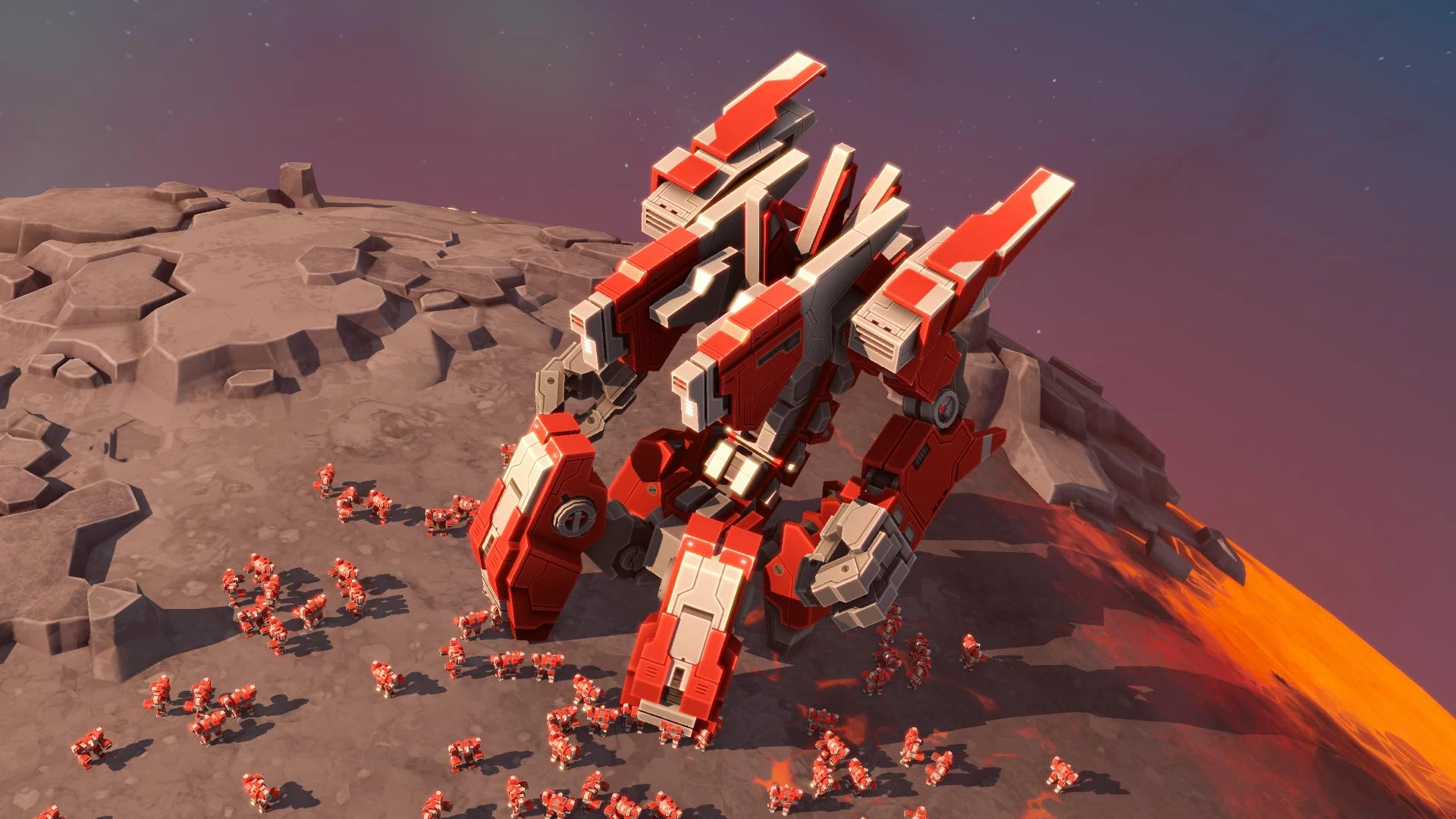
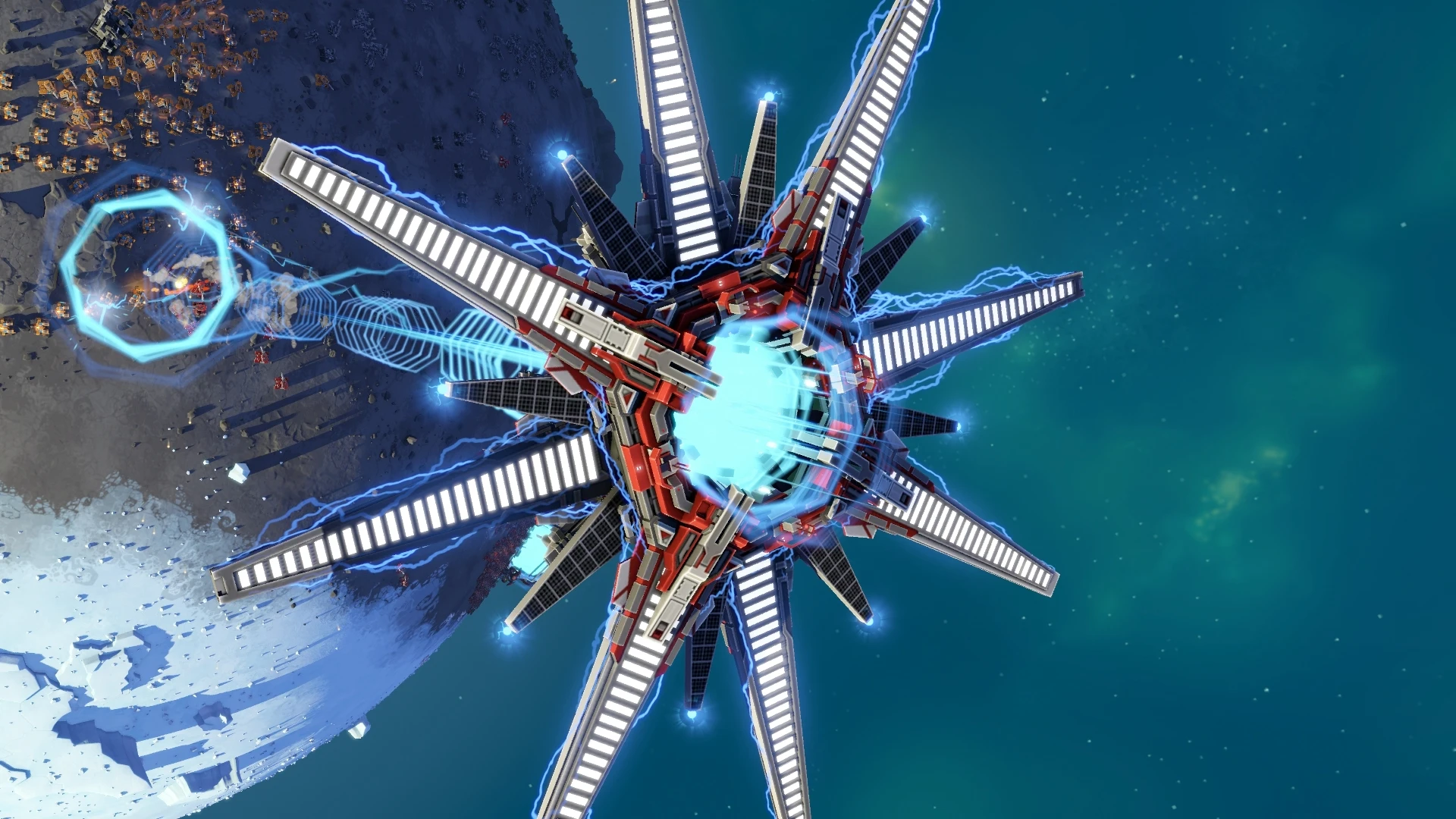
  • Use five enormous Titan-class robots, such as the lightning-shooting Zeus airship and the earth-crushing Atlas, to destroy your adversaries!
  • Add eighteen new troops to your strategic arsenal, including adaptable hovertanks, unstoppable orbital battleships, and ravenous swarms of nanobots!
  • With new planets with multi-level landscapes that are accessible in both single-player and multiplayer modes, you may reach unprecedented heights. A new, more user-friendly tutorial will help you grasp the fundamentals even more quickly.

Replayability and Game Modes

The game’s Galactic War mode, a roguelite campaign for single-player enthusiasts, requires you to fight through a dynamically generated galaxy while gaining “tech cards” to increase your available units and loadouts as you take on progressively challenging foes. Up to ten players can participate in large-scale free-for-all or team-based combat in multiplayer bouts. Additionally, the game has the cutting-edge ChronoCam, which lets you see instant replays and rewind time while the game is still in action, so you can see just where a battle changed in your opponent’s favour.

New Mechanics and Titans

With the addition of 24 new combat units, including five enormous, revolutionary “Titan-class” super-units, the TITANS expansion intensifies the already massive-scale warfare. On the battlefield, these walking fortresses—such as the planet-splitting Ragnarok Titan, the lightning-wielding Zeus airship, and the earth-shaking Atlas bot—act as ultimate powerhouses. The Ragnarok even has a doomsday bomb that turns any celestial body into cosmic dust by drilling into a planet and detonating the entire thing.

Economy & Macro-Management

Instead of micro-managing individual units, the gameplay strongly favours macro-management. It has a special “streaming economy” in which construction expenses are spread out over time rather than needing to be paid in full up front. By controlling your energy-to-metal ratios as your output increases, you avoid an economic stall and maintain a steady flow of metal and energy money. You can swiftly accumulate thousands of mechanized units because there are no research branches or upgrade pathways to slow you down. Instead, the entire focus is on rapid, huge manufacturing.
Frequently asked questions

How to install and activate?

Run the downloaded image and drag the application to the Applications folder shortcut.
Once copying is complete, the application can be launched via Launchpad.

Is the program corrupted? Is the file broken? Or is there other errors?

There are so many errors, we can't list them all here. Therefore, we've described all the solutions (with pictures) in the article: Errors when installing applications on a Mac

How do I update? Officially? What happens with activation?

Official updates may result in loss of activation unless otherwise stated in the installation instructions.
To update the software from this website, you must download the new version of the software from here (if available) and install it over the version currently installed on your computer. This will preserve your activation and settings for the software.
Read more in the article: Updating pirated apps

How do I download it? The link isn't working? What is .torrent?

To download large files, it is recommended to use any download manager, for example, FDM (Free Download Manager)
For downloading from a file sharing service like Filen.io, it's not recommended to use Safari. Use Google Chrome or the aforementioned FDM browser, for example.
To download files via torrent (.torrent file), you need a torrent client, such as Transmission or the aforementioned FDM.
Please remember that providers may block access to some websites (1fichier.com, etc.). To bypass these blocks, it is recommended to use a VPN.

An update has been released. When will you update the version?

The site administration doesn't hack anything. That's the job of release teams and some enthusiasts. They're the ones responsible for ensuring updates are available. But you can hack software yourself by learning reverse engineering.

Add... Where is the order desk?

Definitely not in the comments. The site administration doesn't hack anything, and there's no order desk. However, you can order the software you need (not for free) in a special thread on forum.ru-board.com.

How to change the language?

Open System Preferences -> General > Language & Region -> Applications – "+".
Select an app and language. This method works for most apps.
The language in Adobe products is usually selected during the installation of the product itself.
The language in games is usually changed in the game settings itself.
There are exceptions. Don't hesitate to search for information online.

How to delete?

There are many options. The easiest is to use specialised app removal tools, such as App Cleaner & Uninstaller.
To remove Adobe products, use the Creative Cloud Cleaner Tool.

Need help?

The site offers a paid service: remote assistance (via AnyDesk, Zoom, or Skype) with the installation of any applications (not just those from this site) on any Mac or PC.

specs.txt
version124644
developerPlanetary Annihilation Inc
activationNot required
testedmacOS Tahoe , Mac mini 2024 M4
size2.2GB
architectureARM , x86 (64-bit)
languagesRussian , English , German , Spanish , Italian , Traditional Chinese , Simplified Chinese , Korean , Dutch , Polish , French , Japanese
voice_langsEnglish

Installation notes

Run the downloaded image and drag the application to the Applications folder shortcut.
Once copying is complete, the application can be launched via Launchpad.

Download — Download from Mail.ru

2.2GB · v124644

More mirrors (1)

Always scan downloaded files before opening them. This listing is provided for informational purposes; verify compatibility with your system before installing.

Leave a comment

Your email address will not be published. Required fields are marked *