macOS Programs

Parallels Desktop 26 26.3.3-57507

22 views
Parallels Desktop 26

Parallels Desktop can assist you if you need to transfer data while moving from a PC to a Mac or if you need to use Windows programs that aren’t compatible with Macs.

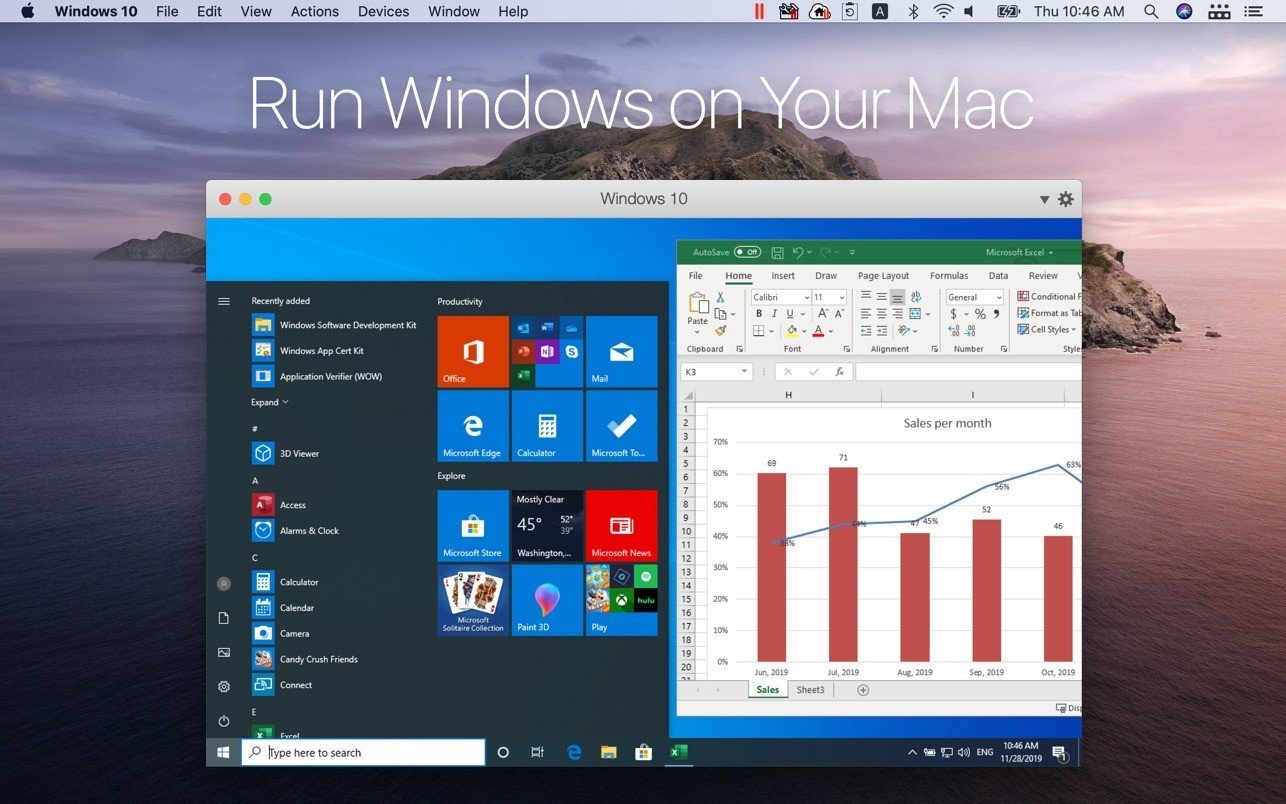
On your MacBook, MacBook Pro, iMac, iMac Pro, Mac mini, or Mac Pro, run Windows alongside macOS (no reboot needed). Drag and drop files between Mac and Windows apps, copy and paste text and images, and share files and folders.

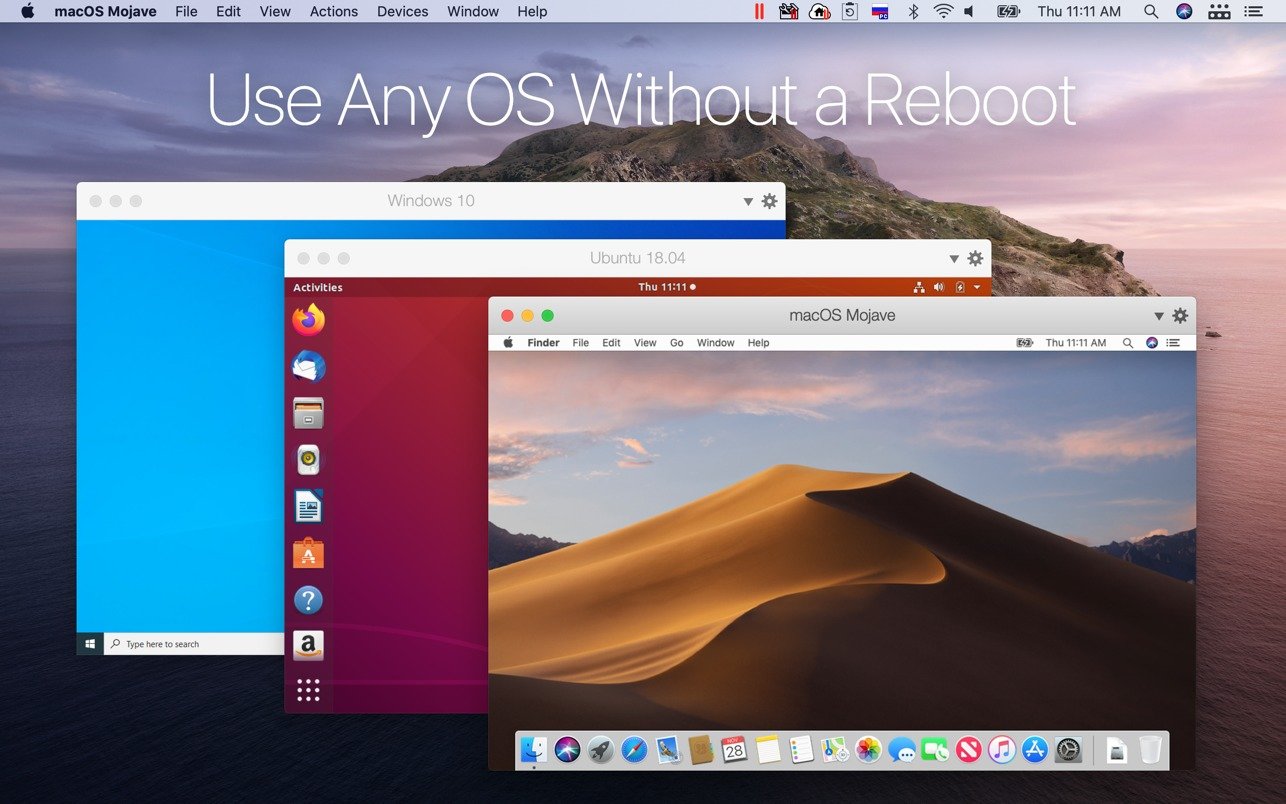
Setup takes only a few minutes because Parallels Desktop automatically determines what’s needed to get going. If installing Windows is necessary, the user will be given the option to choose an already-installed version of Windows, Linux, Ubuntu, or Boot Camp or download and install Windows 10.

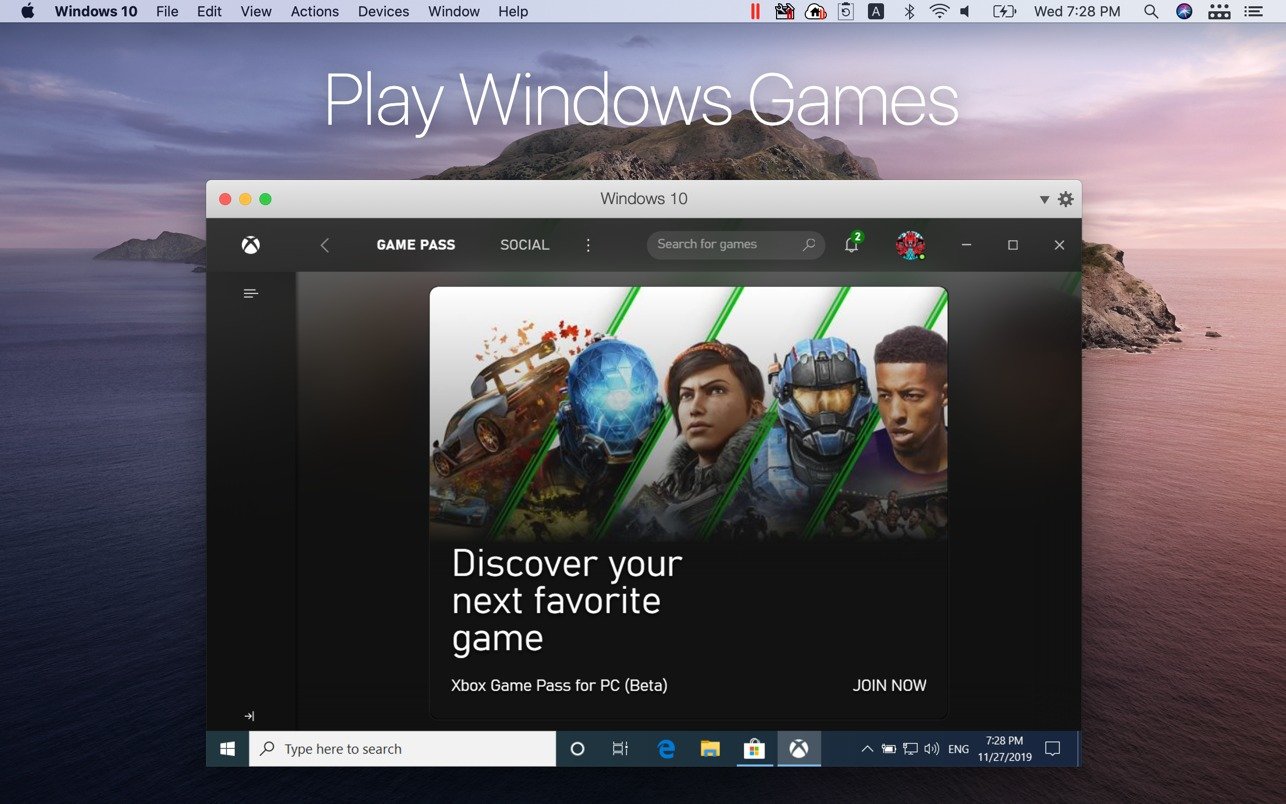
Windows programs that require a lot of resources, such as graphics, function flawlessly on your Mac. Without compromising performance, work with even the most demanding graphics programs, such as Adobe Photoshop, Visual Studio, or SketchUp.

When utilising Windows apps in coherence mode, the Windows interface will be obscured. You can make the Windows window fill the entire screen to simulate using a standard Windows PC if you’re not accustomed to working on a Mac.

One of the best virtualisation solutions for macOS is Parallels Desktop 26, which lets users run Linux, Windows, and other operating systems in a virtual machine right on their Macs. The latest version, 26, brings significant updates and improvements, including

Compatibility with Windows 11 25H2 and macOS Tahoe 26: Parallels Desktop 26 ensures a seamless user experience by supporting the most recent operating systems from Apple and Microsoft.

Precise disc visibility in Windows:

  • This function guarantees that Windows perceives the Mac’s actual disc space, avoiding freezes or slowdowns during extensive installations.
  • Support for background process limitations in macOS 26: Parallels Desktop 26 adapts to maintain the uninterrupted
  • interrupted operation of important features like Coherence Mode.

Enterprise Management Portal:

  • This new portal gives IT managers fine-grained management over all virtual machines within the company.

SOC 2 Type II compliance:

  • Parallels Desktop 26 has successfully completed its most recent SOC 2 Type II audit, demonstrating that the
  • The programme satisfies strict requirements for data protection, security, and availability.

Because of these characteristics, Parallels Desktop 26 is an effective solution for users and IT organisations who want to securely and effectively manage virtual machines.

Why Choose Parallels?

  • Parallels provides a vast library of more than 200,000 Windows apps natively on macOS for professionals and students. It enables you to test development builds in Linux distributions or run specialised data analysis and engineering programs (such as Matlab, SolidWorks, or Altium Designer) without requiring a separate PC.

Cost and System Requirements Prices and Editions:

  • Standard, Pro, and Business editions are offered. The cost of a subscription varies based on the package (the standard usually starts at about €99 annually, with regular specials for upgrades or bundles).

Memory Restrictions:

  • At least 4 GB of RAM is needed, but if you intend to run demanding Windows instances, 16 GB or more is strongly advised.
Frequently asked questions

How to install and activate?

Mount the downloaded image and follow the standard installation procedure.
How to download the official Windows 10/11 image

Is the program corrupted? Is the file broken? Or is there other errors?

There are so many errors, we can't list them all here. Therefore, we've described all the solutions (with pictures) in the article: Errors when installing applications on a Mac

How do I update? Officially? What happens with activation?

Official updates may result in loss of activation unless otherwise stated in the installation instructions.
To update the software from this website, you must download the new version of the software from here (if available) and install it over the version currently installed on your computer. This will preserve your activation and settings for the software.
Read more in the article: Updating pirated apps

How do I download it? The link isn't working? What is .torrent?

To download large files, it is recommended to use any download manager, for example, FDM (Free Download Manager)
For downloading from a file sharing service like Filen.io, it's not recommended to use Safari. Use Google Chrome or the aforementioned FDM browser, for example.
To download files via torrent (.torrent file), you need a torrent client, such as Transmission or the aforementioned FDM.
Please remember that providers may block access to some websites (1fichier.com, etc.). To bypass these blocks, it is recommended to use a VPN.

An update has been released. When will you update the version?

The site administration doesn't hack anything. That's the job of release teams and some enthusiasts. They're the ones responsible for ensuring updates are available. But you can hack software yourself by learning reverse engineering.

Add... Where is the order desk?

Definitely not in the comments. The site administration doesn't hack anything, and there's no order desk. However, you can order the software you need (not for free) in a special thread on forum.ru-board.com.

How to change the language?

Open System Preferences -> General > Language & Region -> Applications – "+".
Select an app and language. This method works for most apps.
The language in Adobe products is usually selected during the installation of the product itself.
The language in games is usually changed in the game settings itself.
There are exceptions. Don't hesitate to search for information online.

How to delete?

There are many options. The easiest is to use specialised app removal utilities, such as App Cleaner & Uninstaller.
To remove Adobe products, use the Creative Cloud Cleaner Tool.

Need help?

The site offers a paid service: remote assistance (via AnyDesk, Zoom, or Skype) with the installation of any applications (not just those from this site) on any Mac or PC.

specs.txt
version26.3.3-57507
developerParallels International GmbH
activationK'ed by Antibiotics
compatibilitymacOS 13.3 and later
size210MB
architectureARM , x86 (64-bit)
languagesRussian , English , German , Spanish , Italian , Simplified Chinese , French , Japanese

Installation notes

Mount the downloaded image and follow the standard installation procedure.
How to download the official Windows 10/11 image?

Download — Direct download link

210MB · v26.3.3-57507

More mirrors (8)

Always scan downloaded files before opening them. This listing is provided for informational purposes; verify compatibility with your system before installing.

Leave a comment

Your email address will not be published. Required fields are marked *