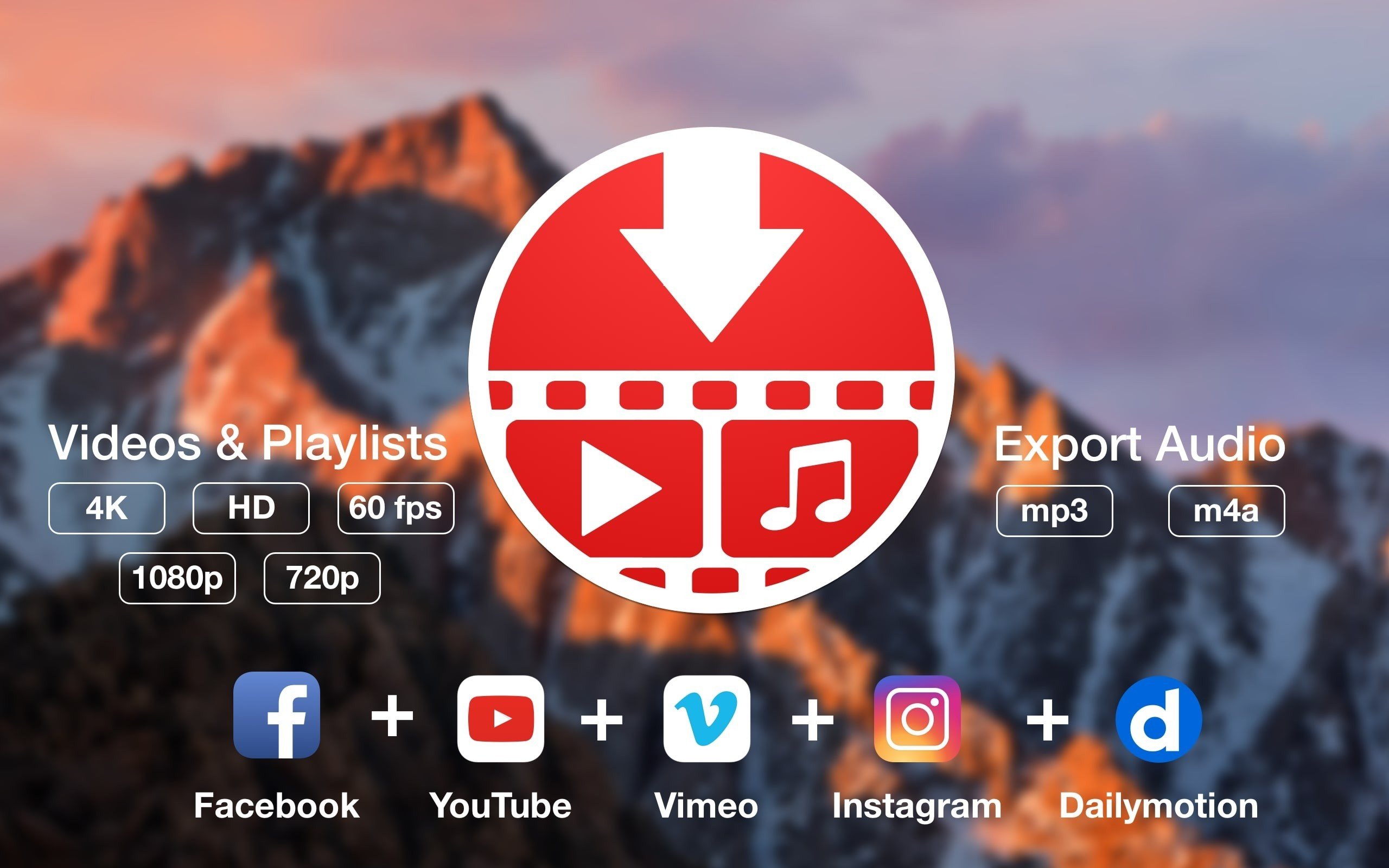
You can download videos from Vimeo and YouTube using PullTube. The application can extract only the audio, interact with playlists, and let you select the quality of the downloaded output. Playlists can be detected by Video Downloader, which imports links using drag and drop. PullTube gives you control over output quality, expedites the process of downloading movies from YouTube or Vimeo, and lets you extract audio to MP3 or M4A files.
Features Included:
- Download online films or audio files from YouTube or Vimeo, including complete playlists, and either extract just the audio or keep the original format.
- It’s usual to share videos on websites like YouTube or Vimeo, but if your internet connection is poor, streaming content could not function properly.
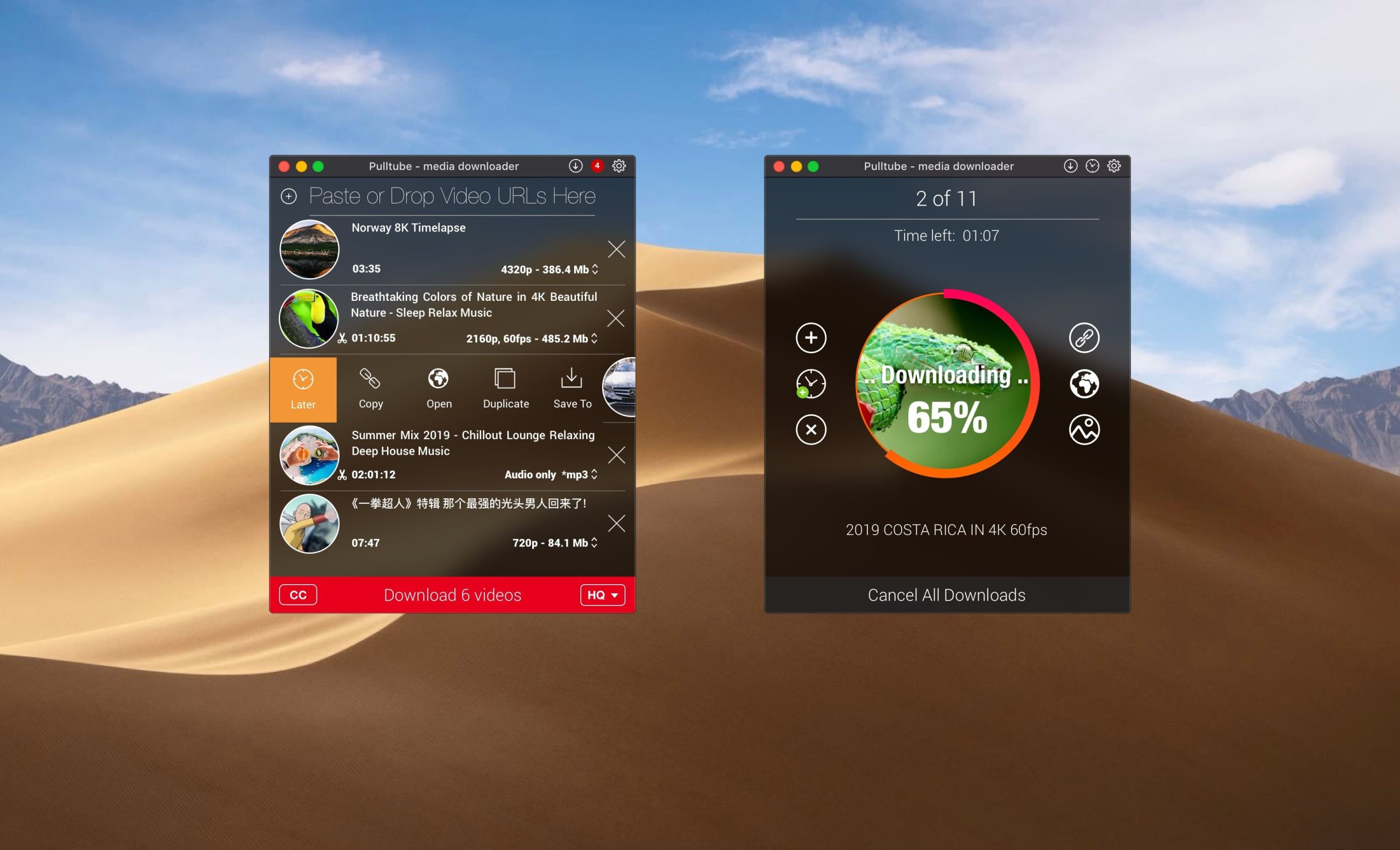
- You can rapidly paste a video URL into a small window in the PullTube user interface. PullTube will offer to download the full collection if it determines that the video is a part of a playlist.
- It will do this by retrieving data for each entry in turn and processing the download.
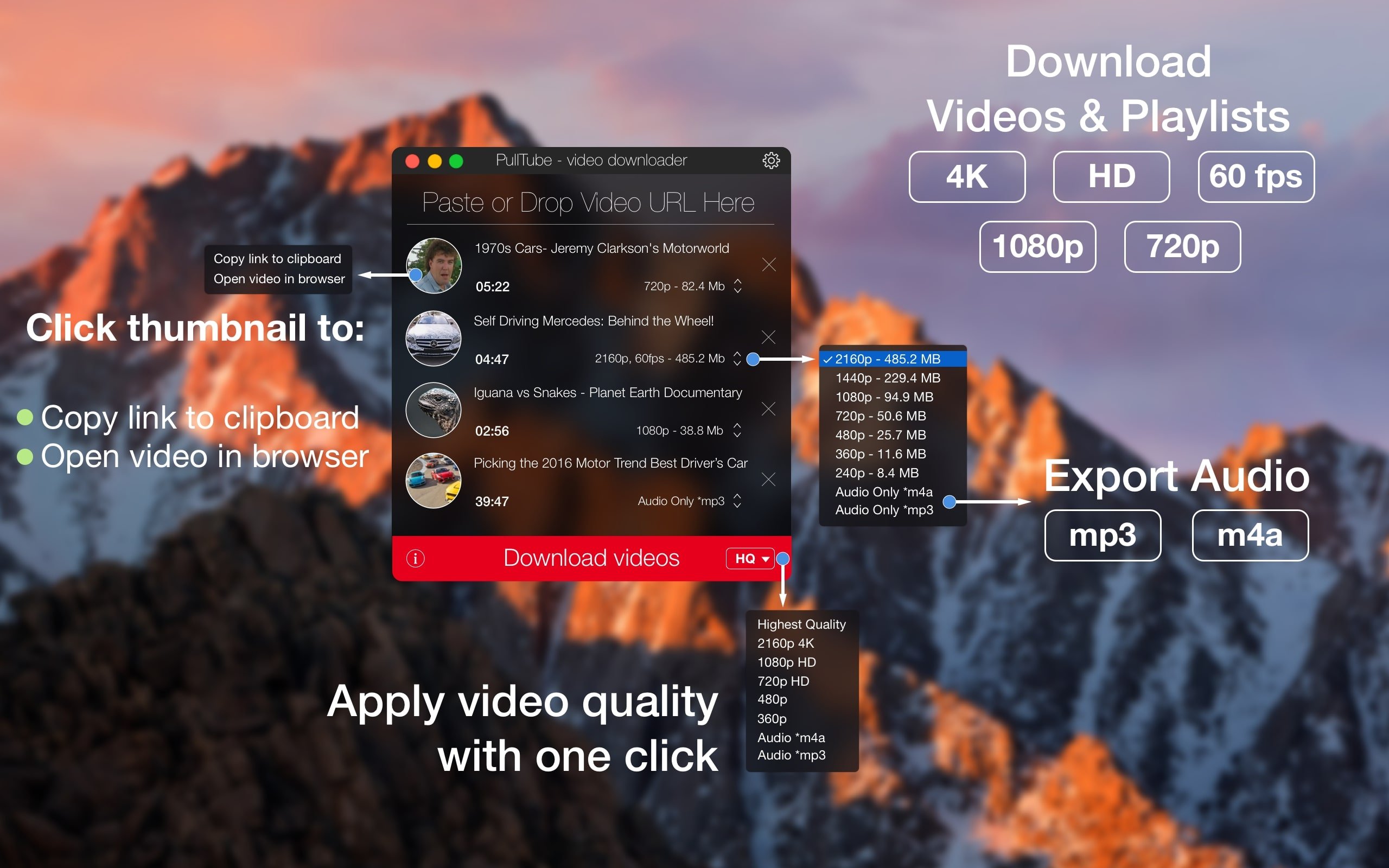
- PullTube will start retrieving video data right away, giving you access to the title, duration, and thumbnail of the video.
You can select the output quality (highest, 4K, HD, or normal with several resolutions) or export just the audio as an M4A or MP3 file while configuring the download.
You can modify the default MP3 bitrate (320 kbps, 256 kbps, 128 kbps, and 64 kbps) and download location using the PullTube options panel. Additionally, you may select to close the app after all downloads are finished and include quality information with the video file name.