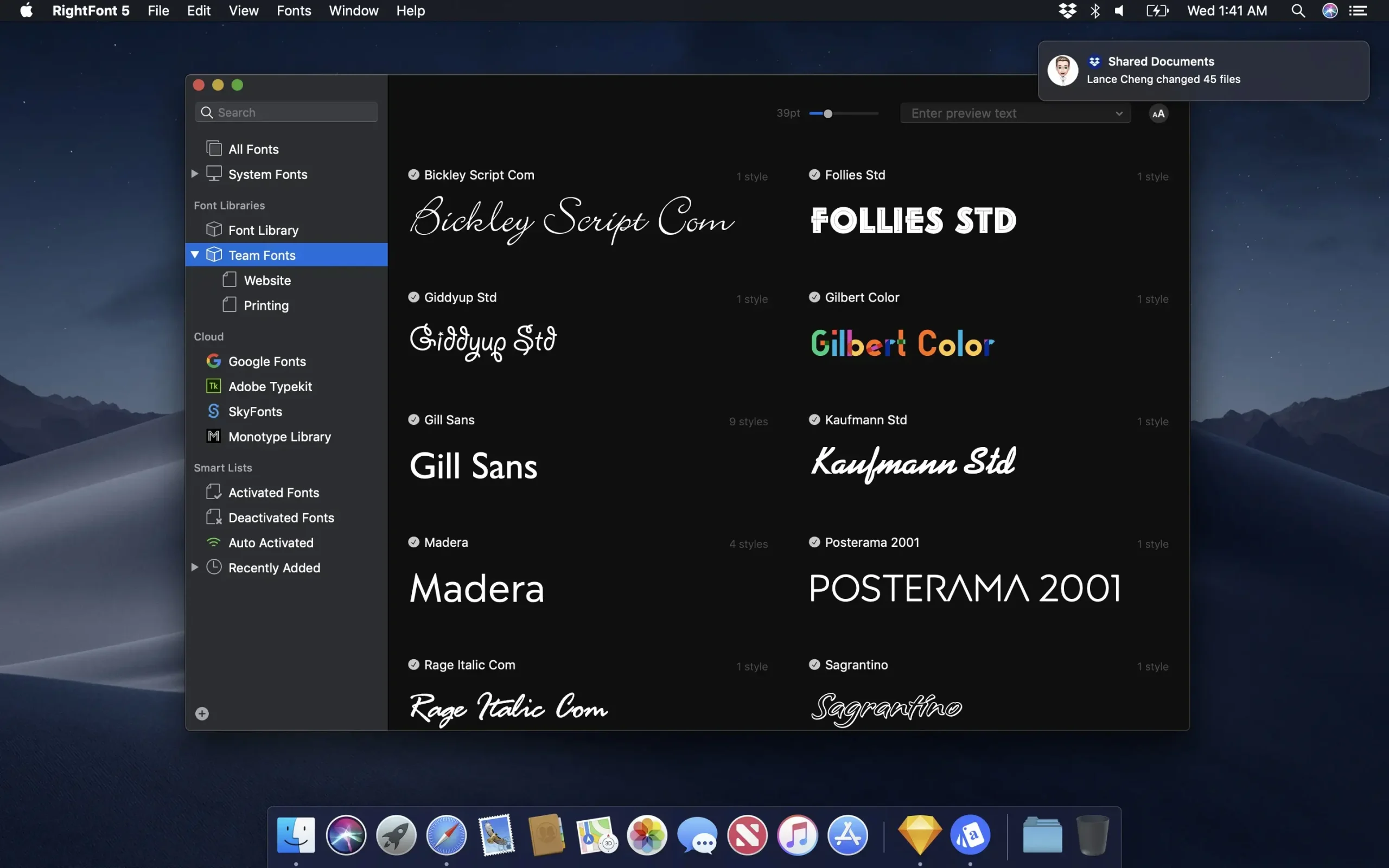
RightFont is a Mac font manager that is lightweight and has an elegant, straightforward interface. It provides a number of features to make managing all of your local fonts simple.
Important Qualities or Capabilities:
- Font Collection.
- You can now arrange fonts in the library and relocate them for backup or font sharing.
- From the menu bar, you can always access font management.
- Making and maintaining lists of fonts
- Direct font access in Sketch, Photoshop, Illustrator, InDesign, Flash, After Effects, and other Adobe Creative Cloud programs.
- Real-time search results while you enter
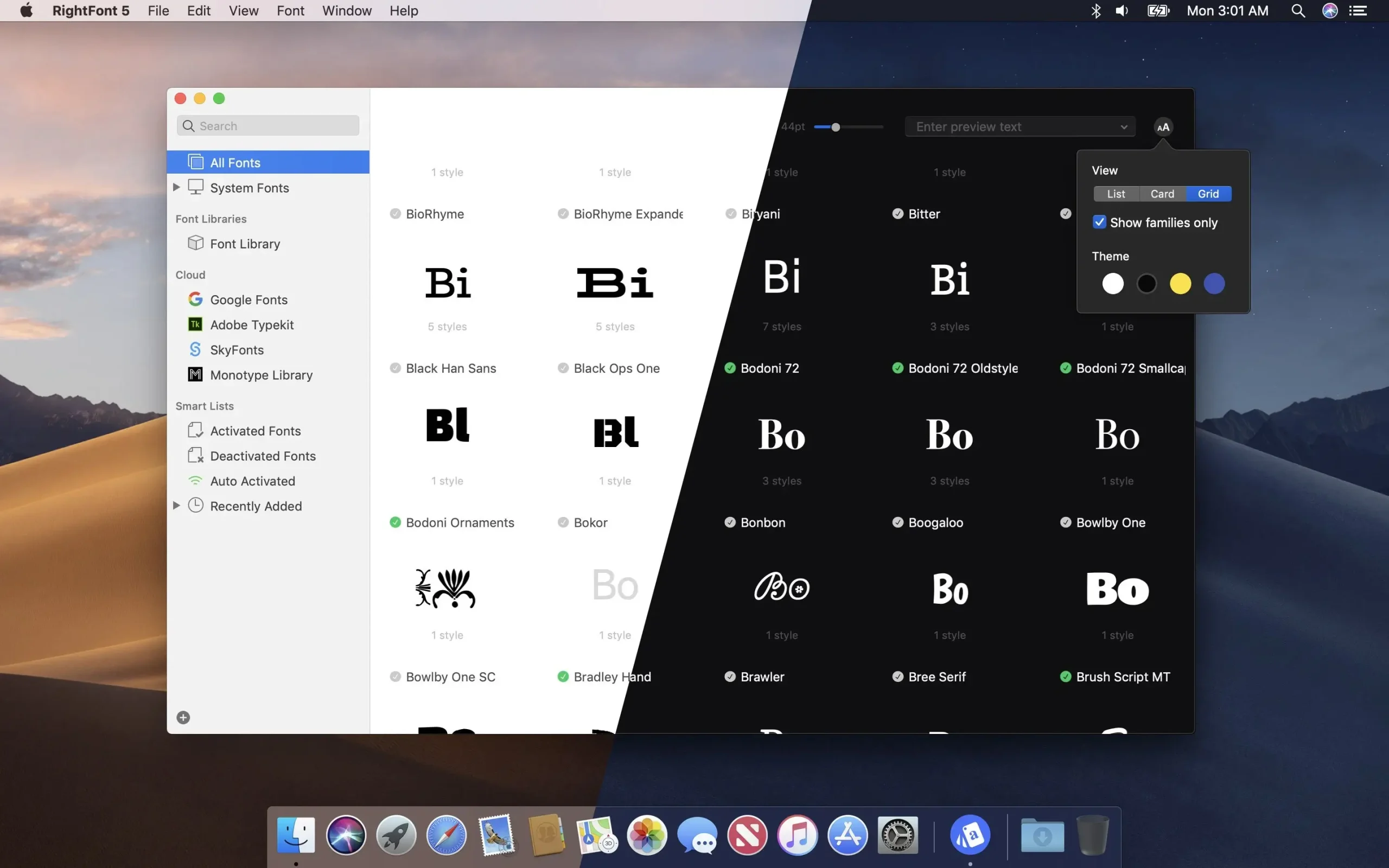
- Filter fonts with ease using font weight, width, and categorisation (sans serif, serif, script, etc.).
Easy integration:
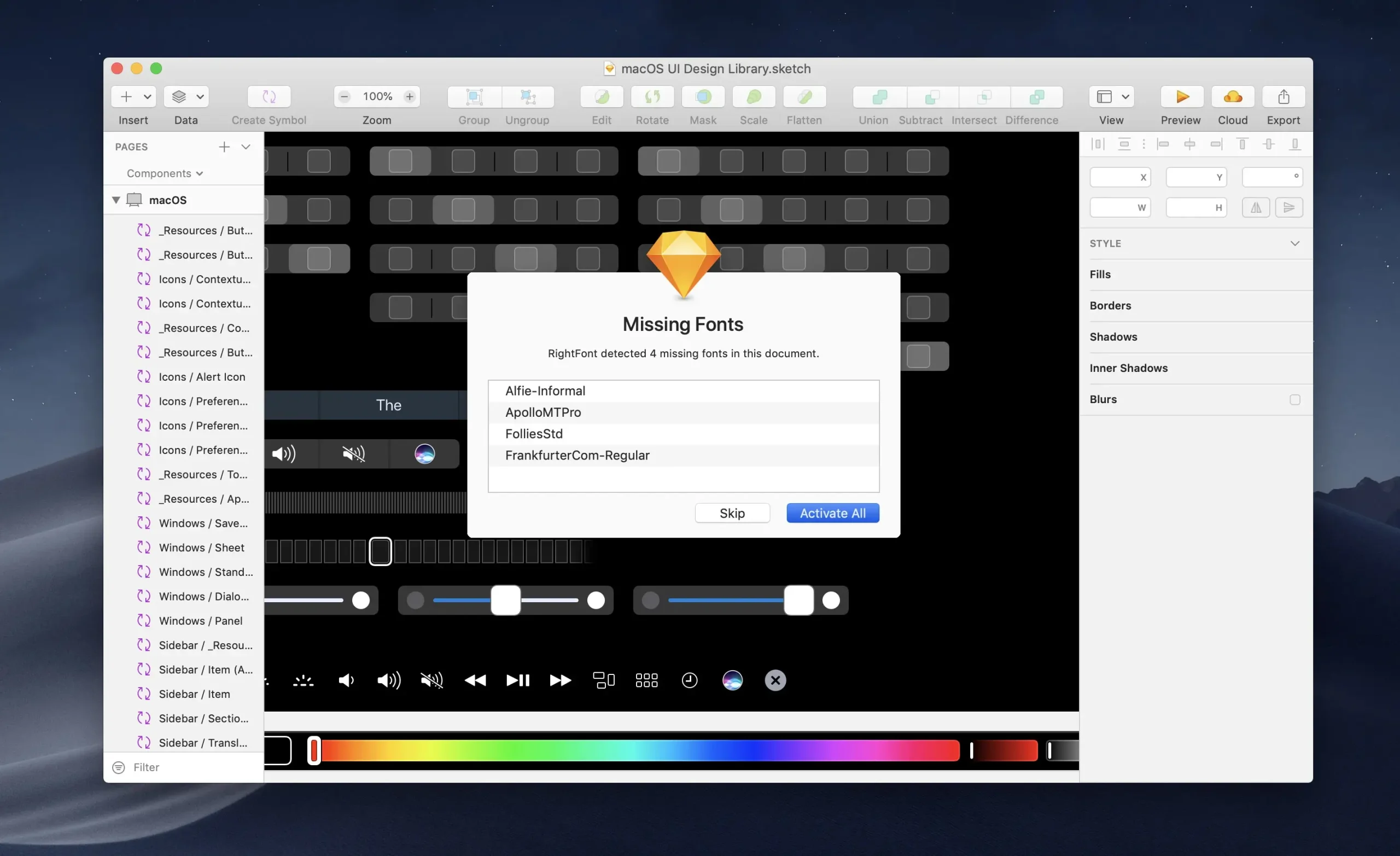
- You can use your design program with the RightFont app. You can alter the font in your text layer with just a double-click.
Important Features
- Smooth Integrations: Offers native compatibility with well-known design programs like Adobe Illustrator, Photoshop, InDesign, and Sketch.
- Cloud Syncing: This feature automatically synchronises all of your fonts on other machines.
- Smart Organisation: Facilitates organising fonts into custom lists and filtering by width, weight, and categories (serif, sans-serif, script).
- Automatic Activation: When you open particular design files or documents, the appropriate fonts are automatically turned on.
Usability and Performance
- For quick font selection, users can switch between a list view and a grid view on the app’s simple, uncluttered interface. Additionally, it enables real-time text layer modifications in programs like Apple Pages and Keynote and comes with more than 4,000 built-in icon fonts. Examine costs and download choices straight from the RightFont Store.