A new operating system for Mac computers called macOS Sequoia was unveiled at WWDC 2024.
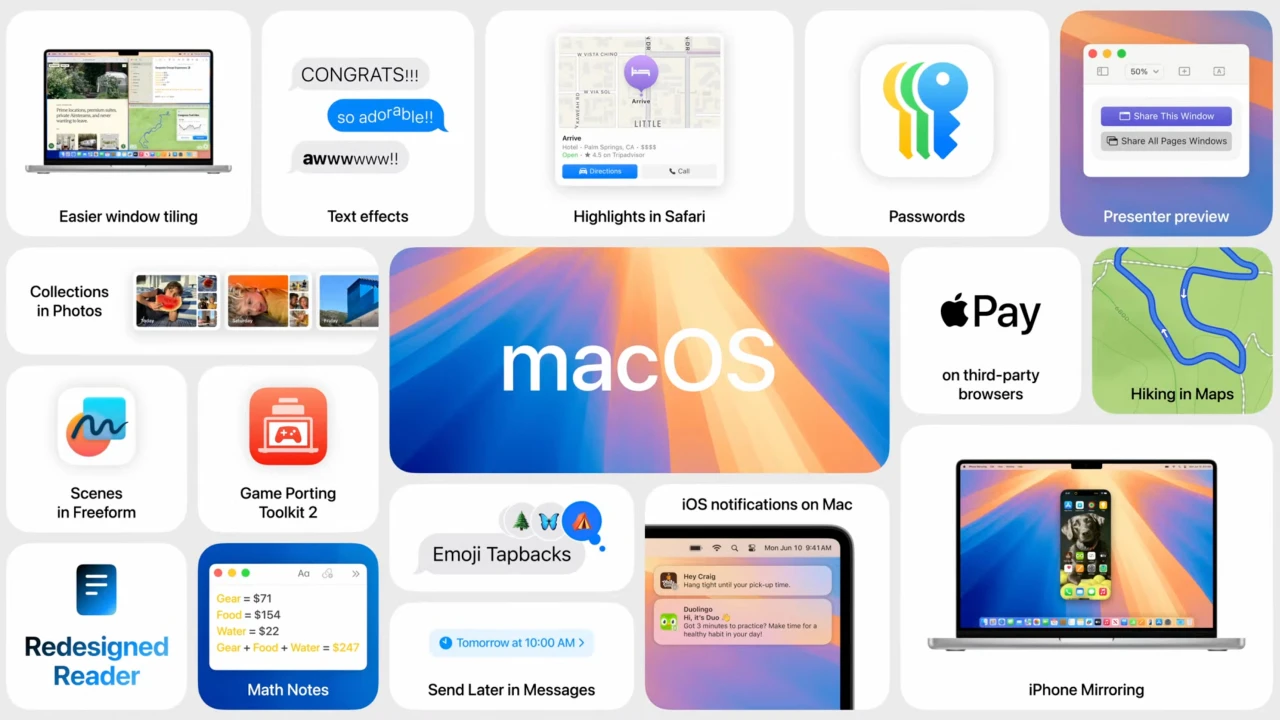
The Passwords application. It was renamed from Keychain and is capable of storing a wide range of sensitive data, including shared passwords for services, Wi-Fi passwords, access credentials, and verification codes. Desktop program windows divide automatically. Third-party utilities that were previously utilised for this purpose will no longer be necessary as a result.
Important aspects of macOS Sequoia:
- assistance from Apple Intelligence. This collection of artificial intelligence capabilities offers automatic email responses as well as a tool for summarising information in emails and other apps.
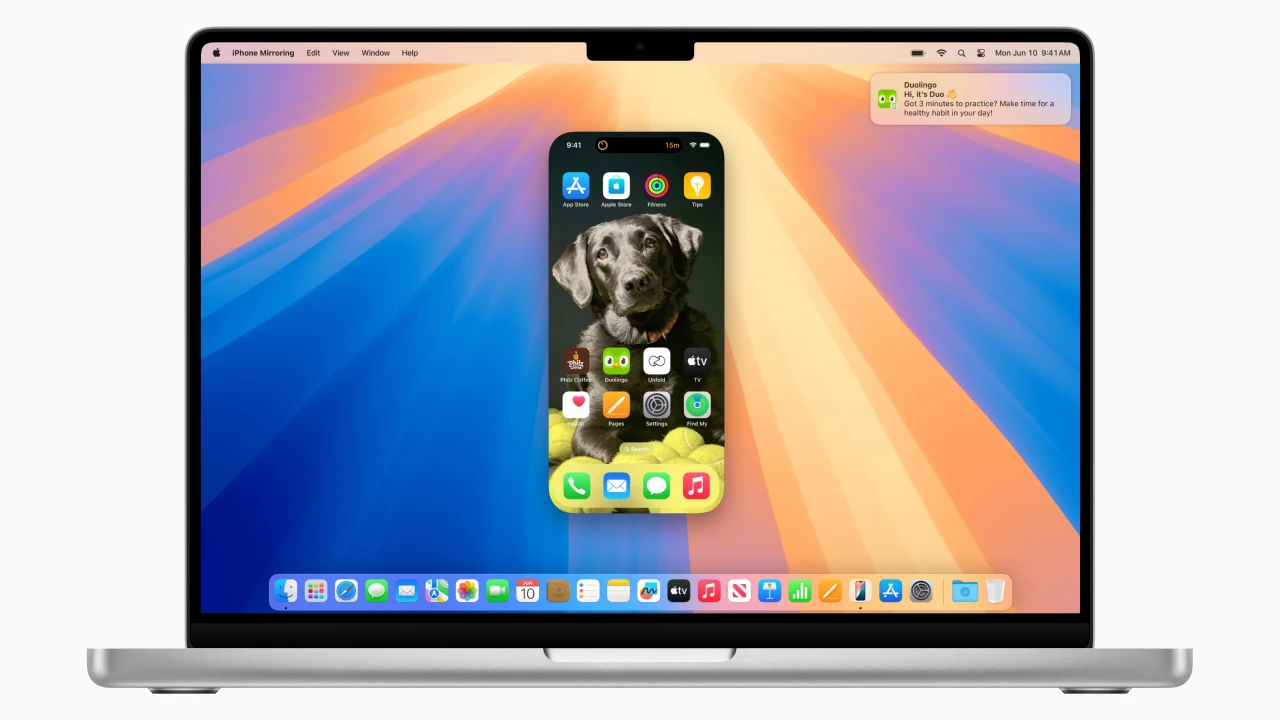
- Your Mac and iPhone can be mirrored. This enables you to read and react to notifications, drag and drop content between devices, and access your smartphone from your computer. To conserve battery life, your iPhone will stay locked and even go to sleep.
The machine learning-powered Highlights feature in the upgraded Safari browser highlights important content on webpages. Additionally, summaries, tables of contents, and enhanced video viewing have been added to the reading mode.
iPhone mirroring for complete phone control and improved window tiling are two of macOS Sequoia’s many revolutionary features. Additionally, it offers system-wide Apple Intelligence features to summarise and rewrite text on your device, as well as a discrete Passwords app.
iPhone Continuity & Mirroring;
The ability to view and interact with your iPhone directly from your Mac is Sequoia’s most notable feature. You can activate apps, explore the home screen of your iPhone, and react to alerts. Your privacy is protected because the iPhone remains locked. Drag and drop files, images, and movies between devices with ease.
More Intelligent Window Management
Bid farewell to tiling apps from third parties. Native drag-and-drop window organizing is introduced by Sequoia. To automatically recommend tiling locations (such as side-by-side or corners), drag a window to the edge of your screen. For more extensive fill and layout choices, hover over the green zoom button while holding down the Option key. Use the new keyboard and menu shortcuts to arrange your tiles even more quickly.
The iCloud Keychain has been transformed from a background menu into a stand-alone application by the Passwords App Apple. All of your Wi-Fi passwords, passkeys, and internet logins can be safely viewed and managed in one location. uses end-to-end encrypted iCloud for seamless syncing. It is compatible with Safari natively and can even be synchronised with Windows with the iCloud for Windows application.
Apple Writing & Intelligence Tools;
System-wide AI functions are deeply ingrained in the operating system of compatible M-series Macs. Reword content, check for grammar, and summarise documents with Writing Tools in practically any program. With the latest version, Siri can now switch between text and speech instructions with ease and has a more genuine voice. Additionally, ChatGPT integration is available, allowing writing tools like Siri to analyse screen content and produce text on command.