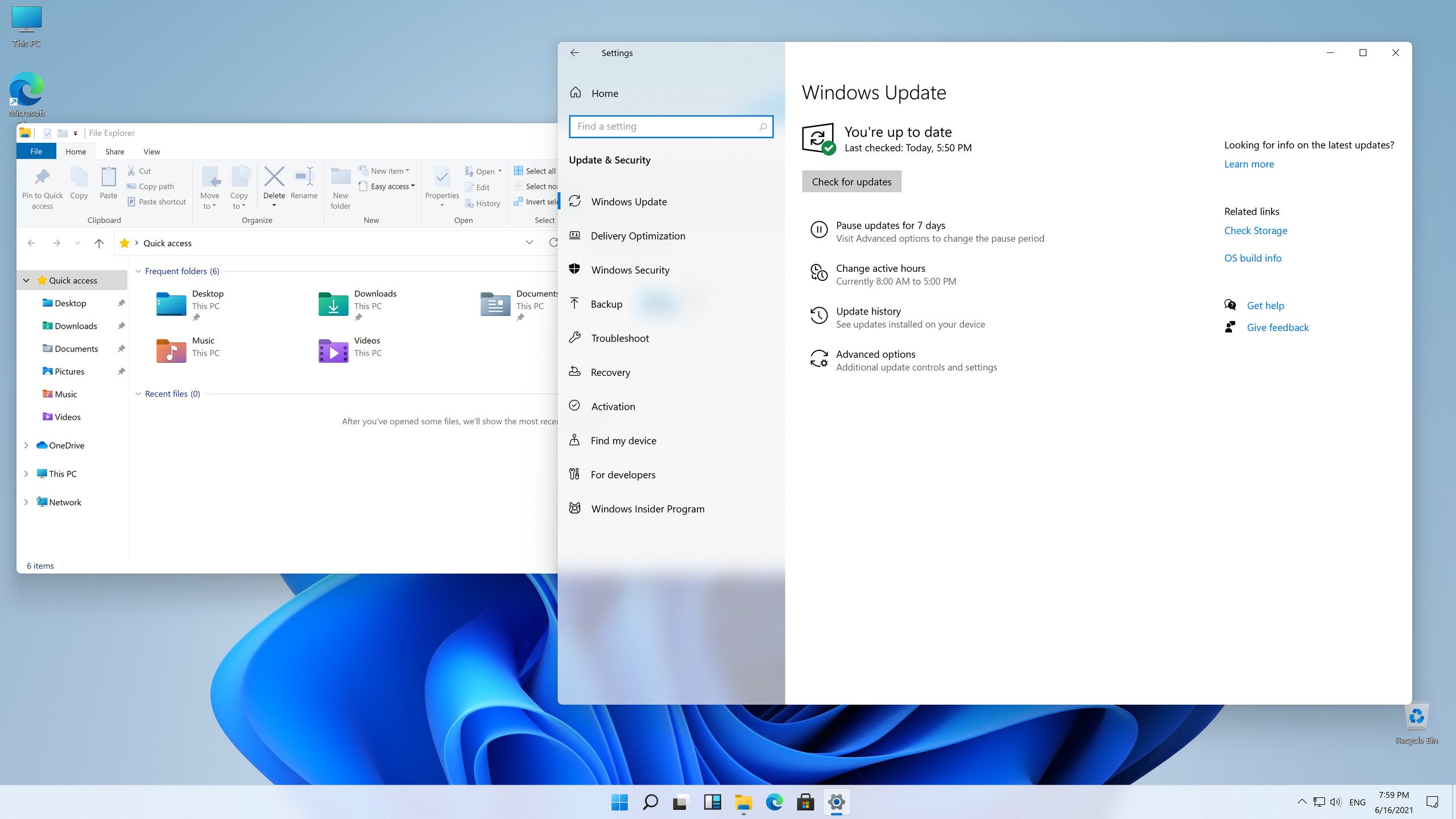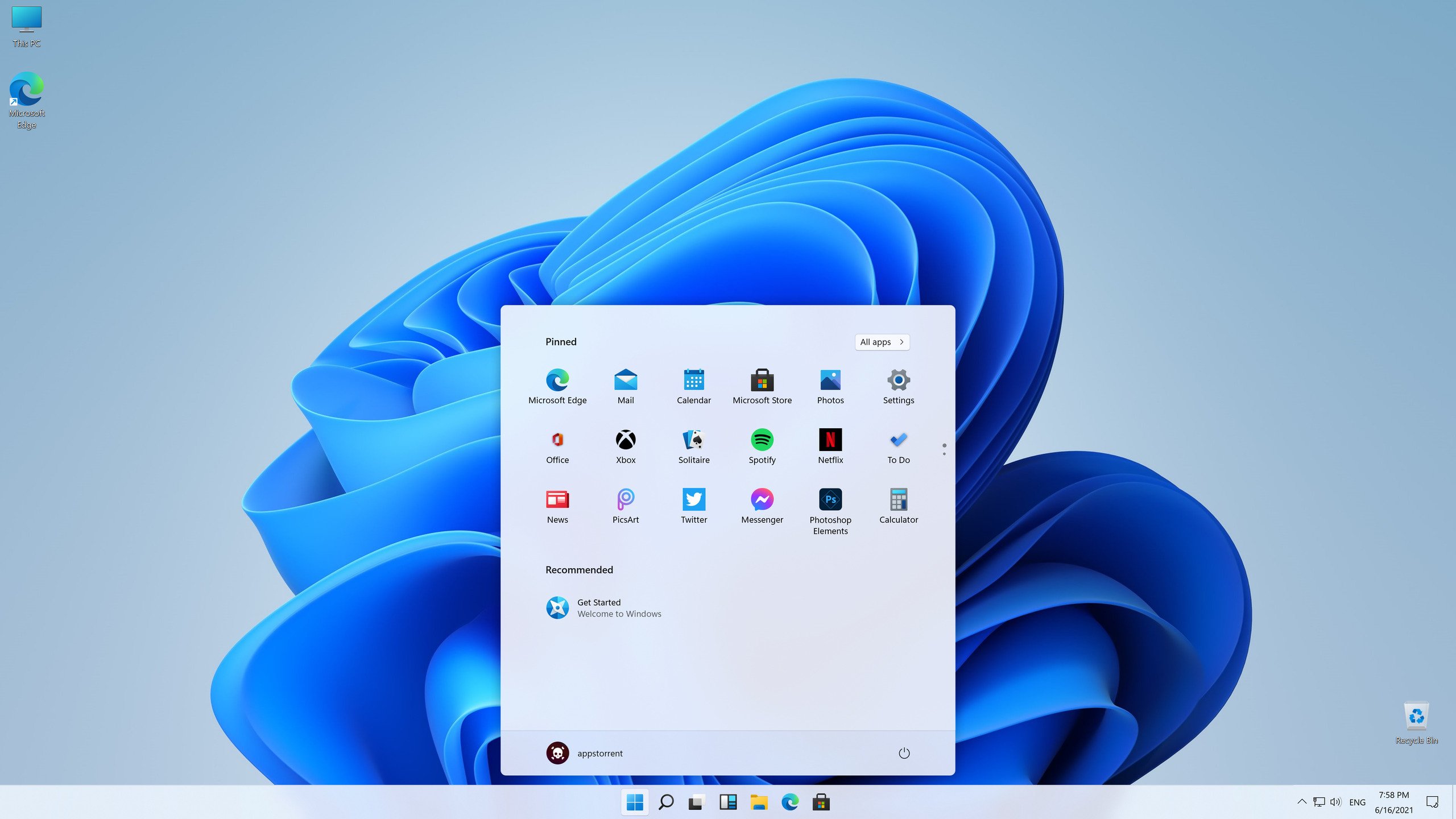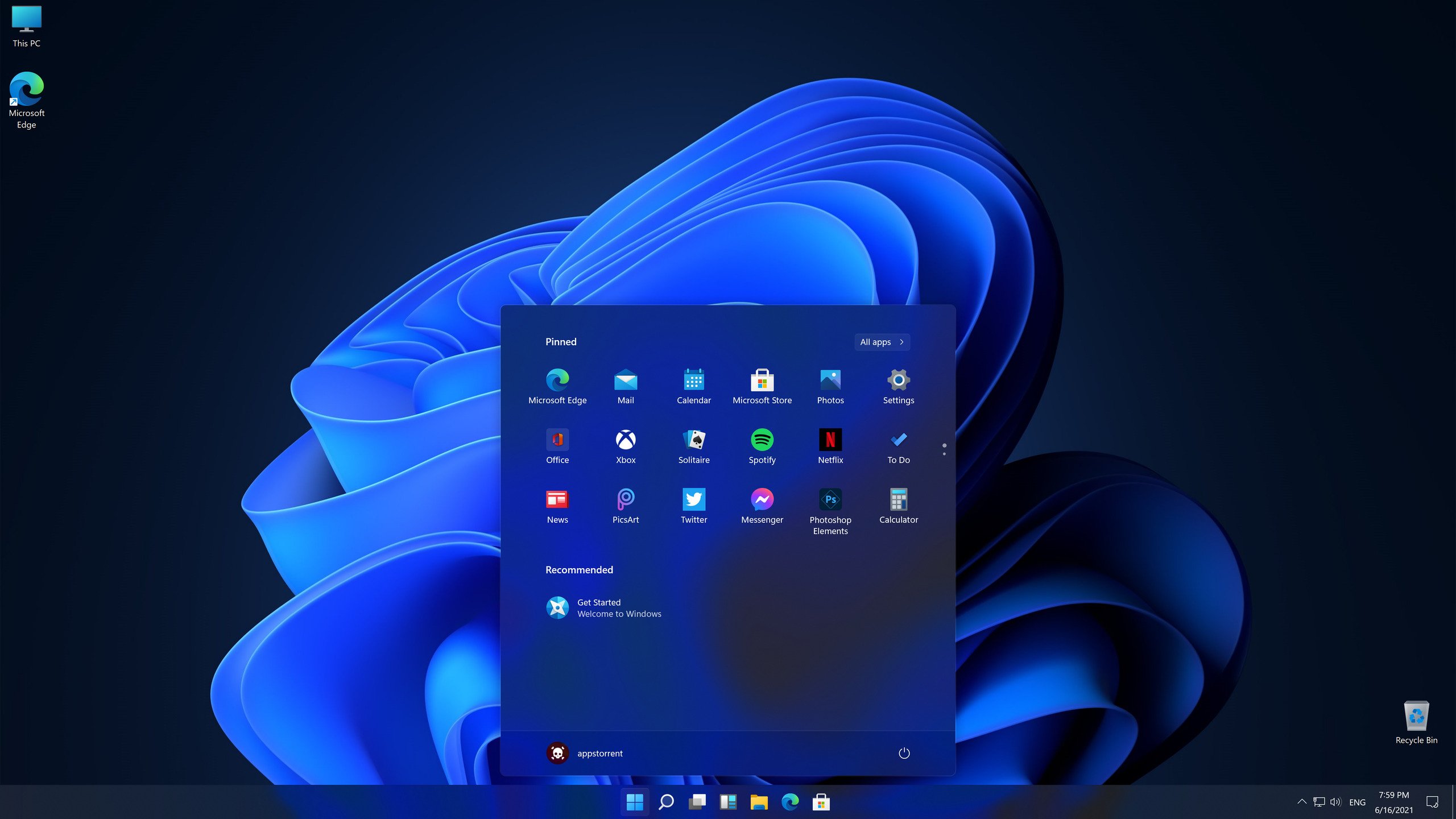
After the Windows 11 pictures were made public, it was discovered that the leak was considerably more extensive: an early version of Windows 11 has surfaced online that you can install on your computer and test, as some journalists have done.
The new operating system and the indefinitely postponed Windows 10X are very similar. Although there are no live tiles on the Start menu, you can pin apps for easy access. File Explorer employs redesigned icons, and Windows and menus have rounded corners.
To remind you, Windows 11 will be officially released on June 24, 2021. Indeed, the OS differs greatly from the popular Windows 10.
Microsoft’s flagship operating system, Windows 11, was released as a more advanced, secure, and AI-enhanced version of Windows 10. It is made for both smooth daily chores and high-performance processes, with a simple, centred interface and sophisticated productivity tools like Snap Layouts.
Updated Interface & Design
With softened corners, transparent components, and a centralised Start menu and taskbar, Windows 11 has a softer visual style. In order to minimise clutter and provide a more balanced, user-friendly visual experience, this layout was especially designed to complement contemporary mobile and handheld user experiences.
Performance & Integration of AI
Robust AI integration through Microsoft Copilot and Copilot+ PC hardware lies at the core of the operating system. These features make real-time guiding, on-device AI search, and generative aid possible. When compared to prior-generation PCs, devices that use a Neural Processing Unit (NPU) may execute AI workloads up to five times quicker.
Multitasking and Productivity
The OS is designed to make it simple for users to focus and arrange their screens. While virtual desktops enable you to design and personalise distinct workspaces for work, gaming, or education, Snap Layouts enable you to quickly lock numerous app windows into precisely matched grids. Furthermore, integrated focus sessions reduce distractions.
Integrated Security
Windows 11 was designed by Microsoft to be intrinsically safe. It has sophisticated, cloud-based, Zero Trust-ready defences that prevent viruses, ransomware, and malware. BitLocker encryption and password-free Windows Hello (which uses fingerprint and facial recognition) guarantee that your personal and business information is kept secure.
Gaming Superiority
Windows 11 has sophisticated hardware-level integrations for games. Immersion graphics are produced with features like DirectX 12 Ultimate, while older games’ visual fidelity is automatically improved by Auto HDR. Additionally, DirectStorage technology is used to generate large gaming worlds at lightning speed and significantly minimise loading times.