macOS Editor's Pick Extensions

Sonible true:balance 1.0.5

17 views
Sonible true:balance

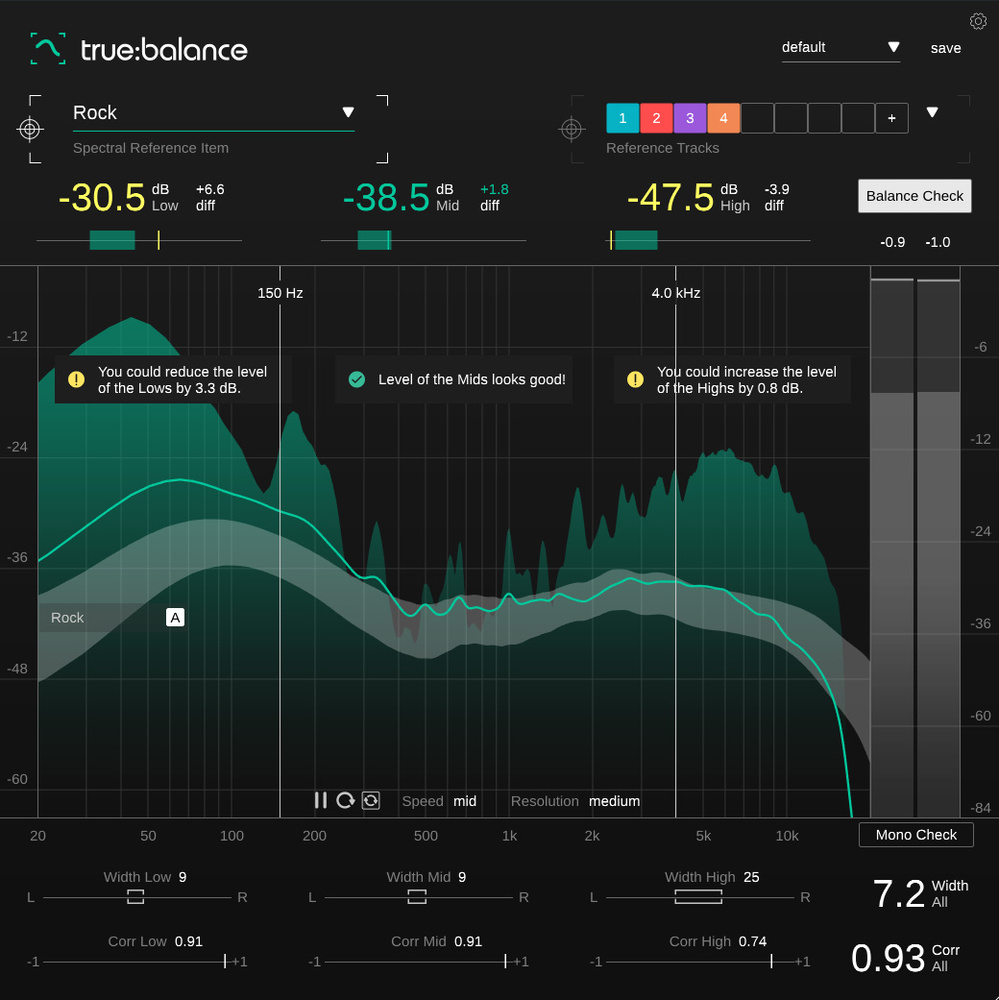
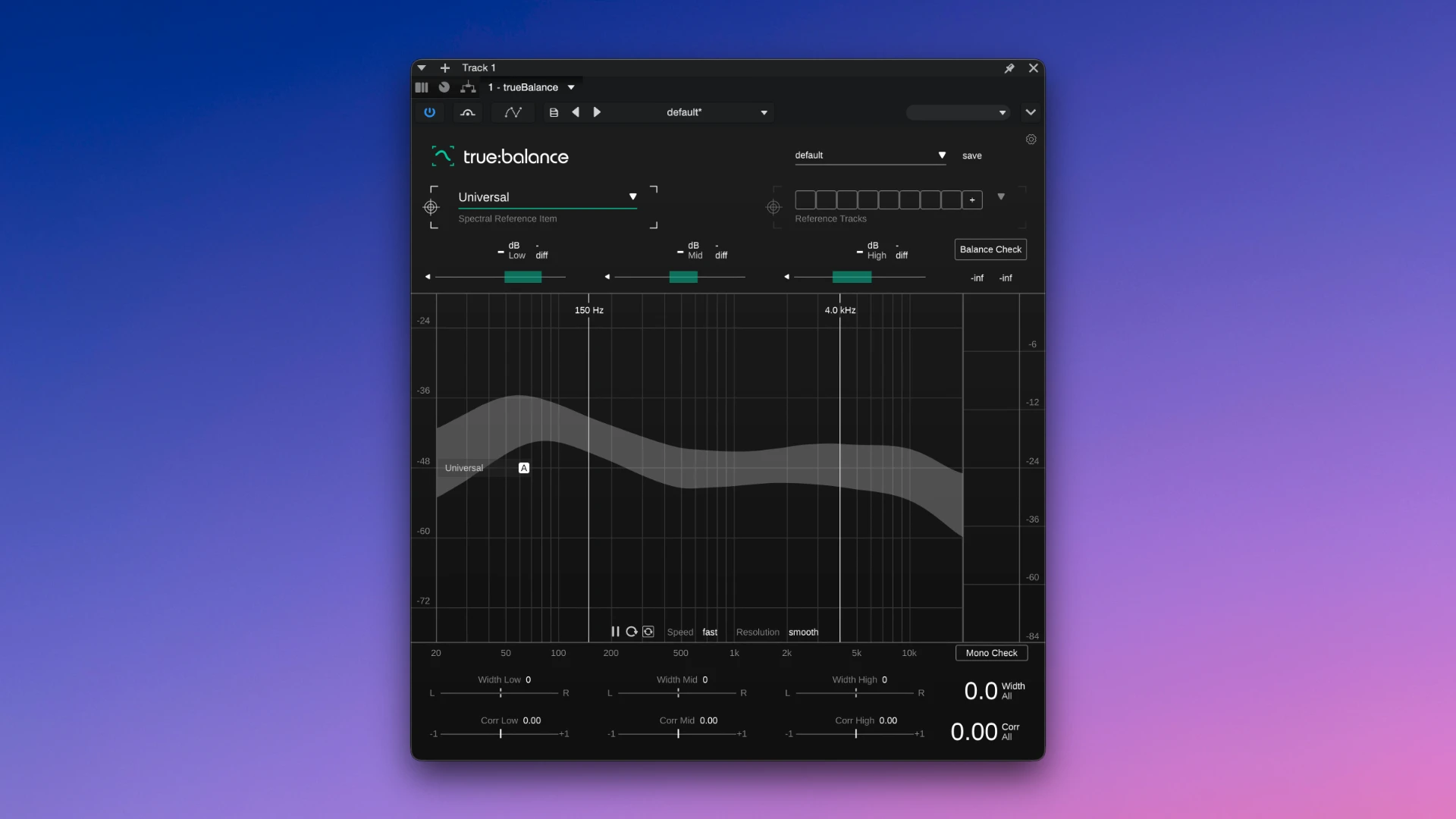
Sonible true:balance is an intelligent and highly accurate plugin for visually monitoring and analysing the frequency balance of your mix. It is intended to assist sound engineers and musicians in objectively assessing the energy distribution in a track, guaranteeing that the finished recording will sound equally balanced and excellent on any speaker system, from club PA systems to portable speakers.

During lengthy studio sessions, you won’t have to rely just on your weary ears thanks to this plugin. It shows where there is excess or insufficient energy in the frequency range by comparing the parameters of your song with built-in benchmarks from different musical genres or with your own reference songs. With the tool’s user-friendly graphical guiding system, you can quickly modify your mix and obtain perfect commercial sound.

Characteristics:

  • Astute contrast with genre norms. A vast database of average frequency responses for popular music genres is included in the plugin. You can quickly examine how your bass or treble stacks up against industry norms.
  • Unambiguous visual and text clues. In addition to displaying graphs, the system makes direct recommendations that greatly accelerate the final mix, such as cautioning against excessive boominess in the lower midrange or inadequate brightness in the upper register.
  • Analysis of Left/Right Channel Balance. In order to promptly identify phase problems or excessive overload of one channel in a particular frequency band, the tool records the distribution of the stereo image throughout the whole spectrum.
  • Make your own profiles. To use each commercial track’s unique balance as a reference for the current project, simply load your favourite songs into the plugin.
Frequently asked questions

How to install and activate?

Installation and activation instructions are included in the package (inside).

Is the program corrupted? Is the file broken? Or is there other errors?

There are so many errors, we can't list them all here. Therefore, we've described all the solutions (with pictures) in the article 'Errors when installing applications on a Mac'.

How do I update? Officially? What happens with activation?

Official updates may result in loss of activation unless otherwise stated in the installation instructions.
To update the software from this website, you must download the new version of the software from here (if available) and install it over the version currently installed on your computer. This will preserve your activation and settings for the software.

How do I download it? The link isn't working? What is .torrent?

To download large files, it is recommended to use any download manager, for example, FDM (Free Download Manager)
For downloading from a file sharing service like Filen.io, it's not recommended to use Safari. Use Google Chrome or the aforementioned FDM browser, for example.
To download files via torrent (.torrent file), you need a torrent client, such as Transmission or the aforementioned FDM.
Please remember that providers may block access to some websites (1fichier.com, etc.). To bypass these blocks, it is recommended to use a VPN.

An update has been released. When will you update the version?

The site administration doesn't hack anything. That's the job of release teams and some enthusiasts. They're the ones responsible for ensuring updates are available. But you can hack software yourself by learning reverse engineering.

Add... Where is the order desk?

Definitely not in the comments. The site administration doesn't hack anything, and there's no order desk. However, you can order the software you need (not for free) in a special thread on forum.ru-board.com.

How to change the language?

Open System Preferences -> General > Language & Region -> Applications – "+".
Select an app and language. This method works for most apps.
The language in Adobe products is usually selected during the installation of the product itself.
The language in games is usually changed in the game settings itself.
There are exceptions. Don't hesitate to search for information online.

How to delete?

There are many options. The easiest is to use specialised app removal utilities, such as App Cleaner & Uninstaller.
To remove Adobe products, use the Creative Cloud Cleaner Tool.

Need help?

The site offers a paid service: remote assistance (via AnyDesk, Zoom, or Skype) with the installation of any applications (not just those from this site) on any Mac or PC.

specs.txt
version1.0.5
developersonible
activationK'ed by MORiA
compatibilitymacOS 10.12 and later
size63MB
architectureARM , x86 (64-bit)
languagesEnglish

Installation notes

Installation and activation instructions are included in the package (inside).

Download — Direct download link

63MB · v1.0.5

More mirrors (2)

Always scan downloaded files before opening them. This listing is provided for informational purposes; verify compatibility with your system before installing.

Leave a comment

Your email address will not be published. Required fields are marked *