macOS Editor's Pick Extensions

TC Electronic VSS4 HD Native Authentic Space Reverb 1.1.0

29 views
TC Electronic VSS4 HD Native Authentic Space Reverb

TC Electronic VSS4 HD Native Authentic Space Reverb is highly praised as one of the most transparent, high-definition true-stereo reverbs on the market, providing unparalleled spatial depth, extraordinary transparency, and precise acoustic localization for crucial mixing and mastering applications. In addition to the echo effect’s significance as a tool in any musician’s toolbox, authenticity and naturalness of sound are essential to producing a top-notch mix.

This application makes it simple to create a flawless ambiance for any audio track with a range of built-in room types and a precise positioning mechanism that accurately simulates the actual stereo sound of renowned and pricey studio equipment.

Shaping a place quickly and effectively is essential in hectic work conditions thanks to built-in stereo field width parameters, precisely calibrated first reflections from virtual walls, and handy master controls inside an intuitive interface.

Main Features Included

  • Experts concur that this plugin will become an essential part of any demanding producer’s collection thanks to its independent four-band decay control, which offers total control over the effect’s behaviour at various frequencies.
  • The iconic equipment’s sound. The plugin transfers the distinctive, dense, and costly volume character of elite studio processors into your PC by flawlessly replicating their algorithms.
  • Accurate surround placement. With each instrument occupying its exact spot, the technology creates a true stereophonic sensation of presence by enabling you to virtually move the sound source across the space.
  •  Independent control over frequency decay. The volumetric cloud may be kept transparent without booming underneath or overpowering the vocals thanks to dedicated controls that let you change decay durations for various frequency zones independently.

Unmatched Localization and Spatial Imaging

The VSS4 HD Native applies source-related early reflections from various angles to your program material, in contrast to conventional algorithmic reverbs that just wash a sound in a static tail. It has two separate sources of input. In order to give your mix an amazing sense of dimension, you may either feed it a final stereo mix or precisely put two different mono sources within the same virtual 3D environment.

Advanced Customization and Shaping

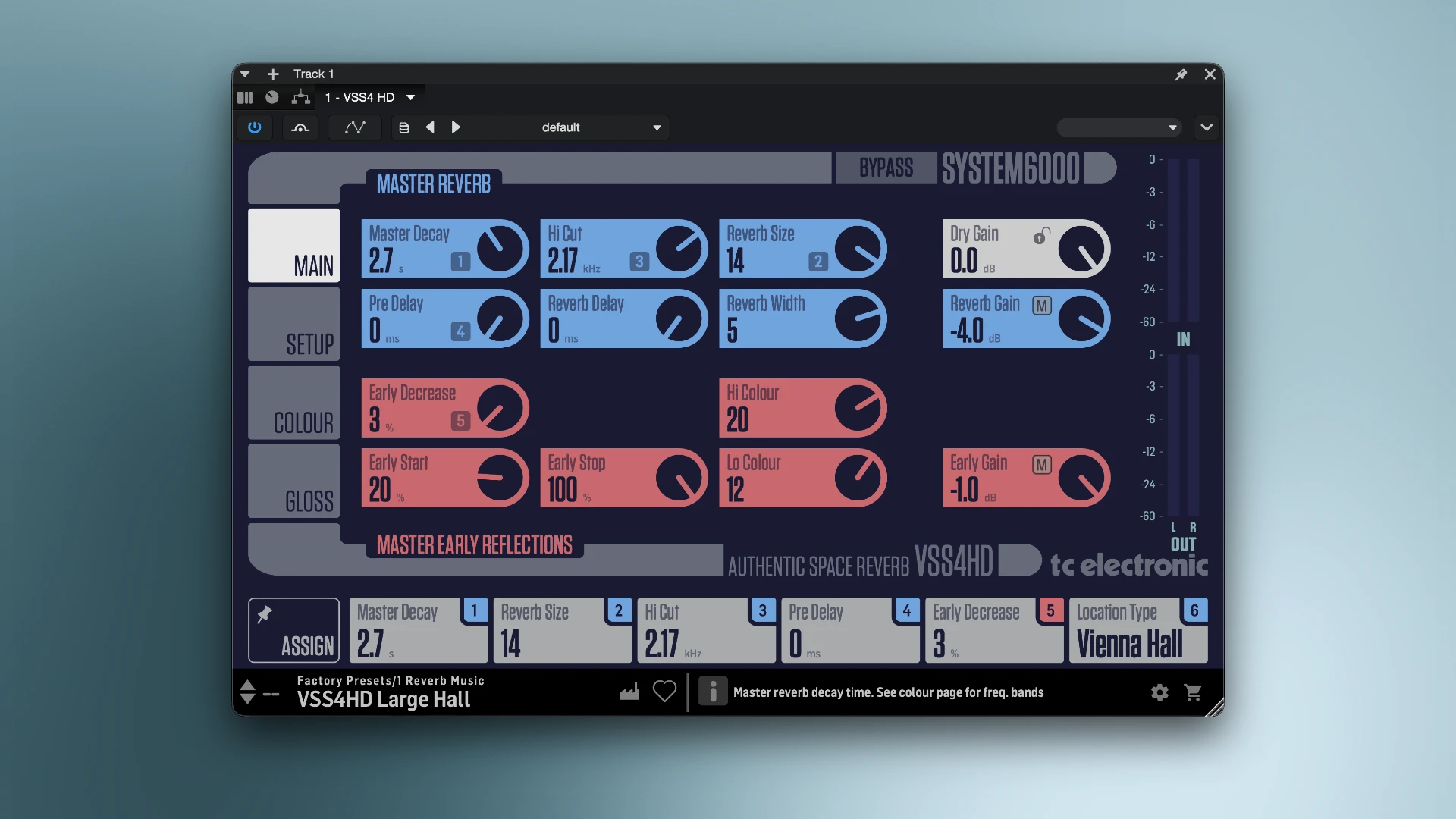
The plugin interface is divided into four areas that are easy to navigate and rather surgical:

Main: Manages the main components, such as early reflection levels, High Cut, and Master Decay.

Setup: Gives you the ability to alter the actual location. You can select from a variety of intricately detailed acoustic settings, such as a cathedral, concert hall, or jazz club, and modify angles, widths, and placement on an individual basis.
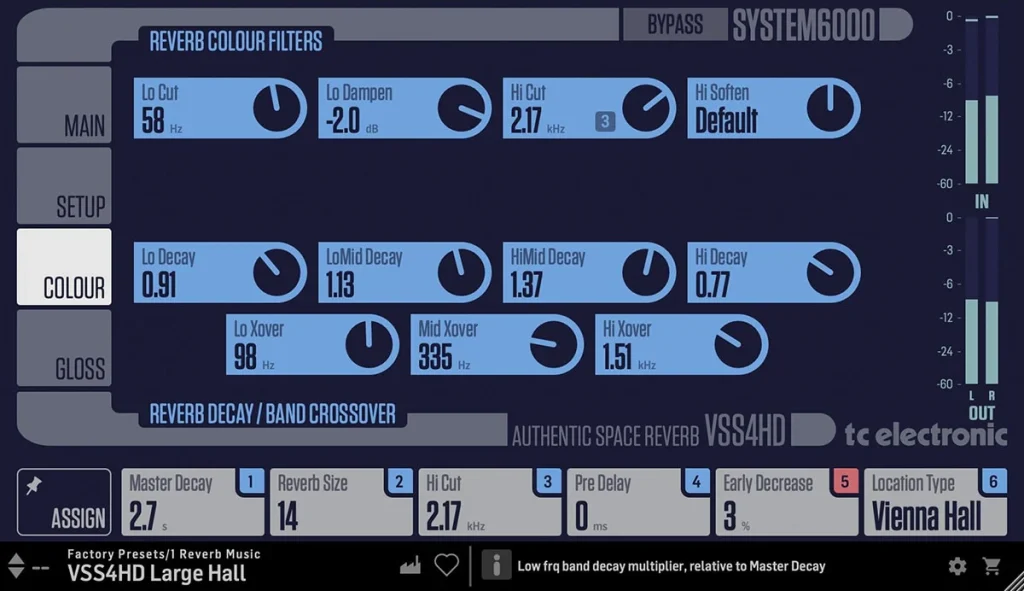
Colour: Gives you fine-grained control over the tonal balance of the reverb, enabling you to adjust decay periods across four distinct frequency bands.

Glows: Adds diffuse field features and highly adjustable modulation, ranging from normal to brightly coloured spatial ambiance.
Frequently asked questions

How to install and activate?

Open the downloaded image and follow the standard installation procedure.

Is the program corrupted? Is the file broken? Or is there other errors?

There are so many errors, we can't list them all here. Therefore, we've described all the solutions (with pictures) in the article: Errors when installing applications on a Mac

How do I update? Officially? What happens with activation?

Official updates may result in loss of activation unless otherwise stated in the installation instructions.
To update the software from this website, you must download the new version of the software from here (if available) and install it over the version currently installed on your computer. This will preserve your activation and settings for the software.
Read more in the article: Updating pirated apps

How do I download it? The link isn't working? What is .torrent?

To download large files, it is recommended to use any download manager, for example, FDM (Free Download Manager)
For downloading from a file-sharing service like Filen.io, it's not recommended to use Safari. Use Google Chrome or the aforementioned FDM browser, for example.
To download files via torrent (.torrent file), you need a torrent client, such as Transmission or the aforementioned FDM.
Please remember that providers may block access to some websites (1fichier.com, etc.). To bypass these blocks, it is recommended to use a VPN.

An update has been released. When will you update the version?

The site administration doesn't hack anything. That's the job of release teams and some enthusiasts. They're the ones responsible for ensuring updates are available. But you can hack software yourself by learning reverse engineering.

Add... Where is the order desk?

Definitely not in the comments. The site administration doesn't hack anything, and there's no order desk. However, you can order the software you need (not for free) in a special thread on forum.ru-board.com.

How to change the language?

Open System Preferences -> General -> Language & Region -> Applications -> "+".
Select an app and language. This method works for most apps.
The language in Adobe products is usually selected during the installation of the product itself.
The language in games is usually changed in the game settings themselves.
There are exceptions. Don't hesitate to search for information online.

How to delete?

There are many options. The easiest is to use specialised app removal tools, such as App Cleaner & Uninstaller.
To remove Adobe products, use the Creative Cloud Cleaner Tool.

Need help?

The site offers a paid service: remote assistance (via AnyDesk, Zoom, or Skype) with the installation of any applications (not just those from this site) on any Mac or PC.

specs.txt
version1.1.0
developerTC Electronic
activationk'ed by GUISEPPE
compatibilitymacOS 10.15 and later
size41MB
architectureARM , x86 (64-bit)
languagesEnglish

Installation notes

Open the downloaded image and follow the standard installation procedure.

Download — Direct download link

41MB · v1.1.0

More mirrors (2)

Always scan downloaded files before opening them. This listing is provided for informational purposes; verify compatibility with your system before installing.

Leave a comment

Your email address will not be published. Required fields are marked *